Will This LLM Run on My Laptop? `fit.py` Script and the macOS Memory Trap
Discover how to evaluate whether a local large language model will run on your 16GB laptop within a minute using the `fit.py` script, along with the hidden 10.9
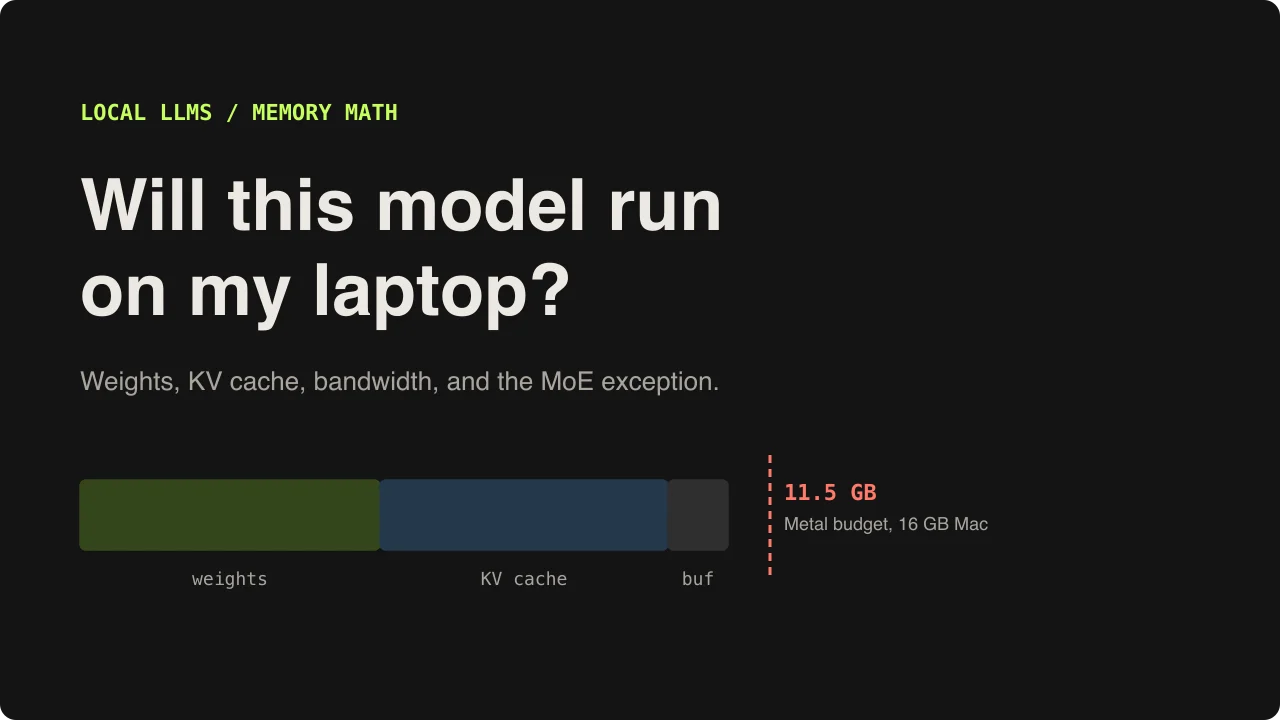
Image source: https://mahmadmanzoor.com/blog/will-this-llm-run-on-my-laptop
When looking to run a trending large language model (LLM—an artificial intelligence model trained on vast textual data to generate human-like text and converse) locally, users often download tens of gigabytes of weight files blindly. After pulling gigabytes over a slow connection, the fans spin up while the model crawls at a few words per second. Many then conclude that local LLMs require an expensive high-end graphics card and retreat to cloud APIs.
To cut through this trial and error, a Python script (fit.py) and hardware breakdown have been published to calculate whether a model will actually run on your machine and how fast it can go before downloading a single byte. Focusing on an Apple Silicon MacBook environment with 16GB of RAM, we examine the precise arithmetic and hidden memory traps governing local AI performance.
The Two Pillars That Decide Everything: Memory and Bandwidth
Whether a local LLM runs and how fast it generates tokens is governed by strict hardware physics rather than subjective impressions. Two primary metrics dictate performance:
- Memory: Determines whether the model can load at all. The total sum of the model's weight files, the KV cache (KV Cache—a temporary memory storage that retains key and value vectors from previous computations to avoid recomputing them for every token), and a small runtime workspace must fit within the available graphics memory (VRAM) budget. If the total exceeds this limit, performance falls off a cliff or loading fails entirely.
- Bandwidth: Sets a hard ceiling on how fast tokens (tokens—basic units of text like words or subwords processed and generated by AI) can be produced. To generate a single token, the model must read every weight it uses out of memory. Because internal math operations are cheap compared to memory reads, generation speed has a strict physical ceiling determined by dividing memory bandwidth by the bytes read per token.
The fit.py Script and Weight Arithmetic Without Downloading a Byte
The reason model structures can be evaluated without downloading files is thanks to the config.json configuration file hosted on Hugging Face (Hugging Face—an open-source platform where AI researchers worldwide share models and datasets). By reading core parameters such as layer counts and attention heads from this file, memory footprints can be calculated precisely.
- Weight Calculations: Derived by multiplying a model's parameter count by the bits per weight resulting from quantization (Quantization—a compression technique that reduces numerical precision to lower memory usage). For instance, the
Q4_K_Mquantization format uses about 4.85 bits, requiring roughly 0.61GB per billion parameters. - The KV Cache Trap: Many users budget only for model weights while ignoring the KV cache. As prompts grow longer, the cache expands linearly. In a 32k token context window, the cache alone can consume several gigabytes, exceeding half the weight size. Models utilizing Grouped-Query Attention (GQA—an attention optimization technique that reduces key and value head counts to lower memory overhead) or sliding-window attention dramatically mitigate this cache burden.
The Mac Trap: 16GB of RAM Is Not 16GB of VRAM
Apple Silicon Macs are well-suited for local AI because the CPU and GPU share Unified Memory, but macOS enforces strict limits on how much memory the GPU can utilize.
- Hidden Wired Memory Limits: On an M1 Pro machine with 16GB of RAM, inspecting device lists via tools like
llama-serverreveals that Metal (Metal—Apple's low-level graphics and compute acceleration API) allocates approximately 10.9GB (10,922 MiB) to the GPU rather than the full 16GB. Consequently, the combined total of weights, KV cache, and compute buffers must fit within this 10.9GB budget. - Manual Limit Adjustment (
sysctl): On recent macOS versions, the GPU wired memory cap can be adjusted temporarily via thesysctl iogpu.wired_limit_mbcommand. For instance, runningsudo sysctl iogpu.wired_limit_mb=13312expands the allowance to around 13GB. However, this setting resets upon reboot, and users must reserve at least 3GB for macOS and background applications to prevent swapping (Swapping—a severe performance drop caused when the system treats disk storage as memory due to RAM exhaustion).
Dense Models vs. Mixture-of-Experts (MoE)
Simulating various open models through the fit.py script reveals clear distinctions. In a 16GB M1 Pro environment, the Qwen3-8B model (using Q4_K_M quantization) occupies roughly 10.8GB with a full 32k context, making it a reliable, safe pick. Conversely, the 14-billion-parameter Qwen3-14B demands around 15.3GB at 32k context, exceeding the default GPU budget.
Mixture-of-Experts (MoE—an architecture that divides a massive model into multiple specialized sub-networks, routing tokens through only a small subset of active experts) models exhibit unique characteristics. Although their total parameter count reaches 30 billion, requiring substantial weight storage, only about 3 billion parameters are active per token. As a result, their token generation speed ceiling (t/s) is four to five times higher than comparable dense models under identical bandwidth.
Frameworks like llama.cpp bypass hardware limits using flags such as --cpu-moe, which offloads MoE expert weights to system RAM (CPU side) while keeping core compute layers on the GPU. Verifying hardware specifications with a calculation script before downloading large models is the most reliable way to avoid wasted time and storage.
Sources
- Ahmad Manzoor Blog: Will this LLM run on my laptop?