Essential Checks Before Opening Suspicious Files or Links: VirusTotal Free Multi-Engine Scanning and Confidentiality Warnings
A practical guide to scanning suspicious files and URLs using VirusTotal's multi-engine analysis, along with critical security caveats regarding confidential en
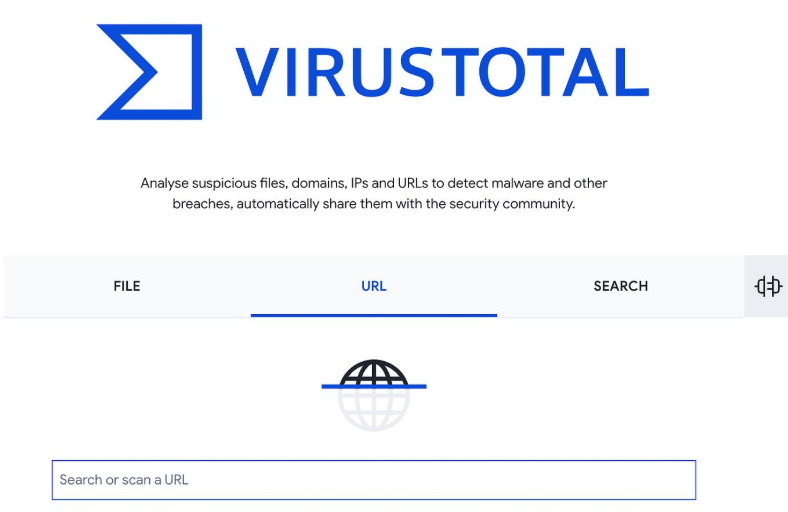
Opening unsolicited email attachments or clicking shortened URLs from instant messages remains one of the most common infection vectors for malware and phishing schemes. Jeongbin (@j3ongbin) on X highlighted a fundamental security hygiene practice: scanning suspicious files or web links with 'VirusTotal', a free multi-engine inspection platform, before opening them, alongside vital precautions to prevent enterprise leaks.
Image source: 정빈 (@j3ongbin) via X
VirusTotal brings together multiple global antivirus engines and analysis tools, checking submitted files and URLs against a broad array of threat detection mechanisms. By aggregating findings across diverse security tools, it helps users quickly spot suspicious files and links that a single antivirus program might miss.
A 3-Step Guide to Free Multi-Engine Threat Inspection
The basic operational workflow outlined by Jeongbin (@j3ongbin) is accessible directly from any web browser:
- Access the Official Platform: Navigate to the official VirusTotal website (https://virustotal.com).
- Submit Your Target: Enter the file or URL you wish to inspect (or upload the file).
- Review the Aggregated Report: Review the comprehensive security scan results returned by the multiple engines and analysis tools.
This aggregated multi-engine approach provides immediate visibility into whether multiple security engines flag the submitted file or link.
The Limits of a 'Clean' Verdict: Why Undetected Does Not Mean 100% Safe
Crucially, receiving a clean scan across security engines does not guarantee that a file or link is 100% safe. The original post explicitly cautions users against treating VirusTotal as an absolute seal of safety:
- Uncataloged Zero-Day and Targeted Threats: Novel targeted attacks and zero-day threats not yet known to the broader security community can evade established signature detection engines.
- Advanced Packing and Code Obfuscation: Files employing advanced packing or sophisticated obfuscation may be mistakenly classified as clean across multiple engines.
A clean VirusTotal scan should therefore be treated with caution, and untrusted files or links should never be opened carelessly.
The Golden Rule: Never Upload Sensitive Personal Data or Corporate Secrets
The most critical caveat emphasized in the practical guidance is that users must never upload files containing personal information or corporate secrets:
- Threat Intelligence Ecosystem Sharing: Files uploaded to VirusTotal are stored in its analysis database and can be downloaded or shared with enterprise intelligence subscribers and global cybersecurity researchers.
- Confidentiality and Leakage Risks: Uploading files containing personal data or internal corporate secrets poses a direct risk of exposing confidential assets across the global security research ecosystem.
Original source
- Jeongbin (@j3ongbin) on X: 2026-10-16 VirusTotal Security Scan Tip