RevenueCat Introduces Paywalls AI Editor: Conversational In-App Paywall Creation and Conversion Auditing
RevenueCat has unveiled the Paywalls AI Editor, a conversational developer tool that builds, refines, and audits production-ready mobile in-app purchase paywall
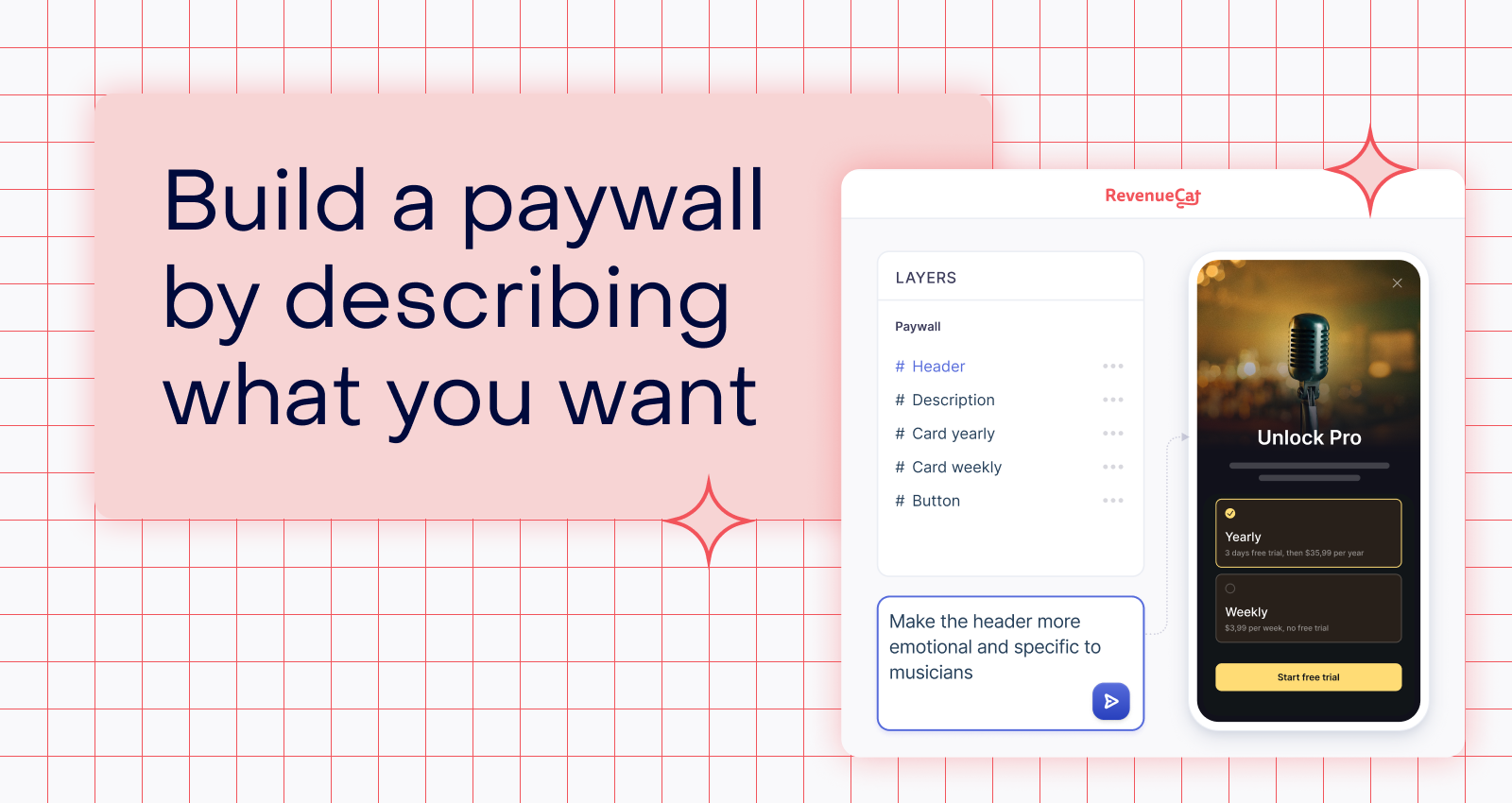
In-app purchase and subscription infrastructure platform RevenueCat has introduced the 'Paywalls AI Editor,' a conversational developer tool designed to generate, refine, and audit production-ready mobile paywalls from natural language prompts and screenshots. Currently available in public beta within the RevenueCat web dashboard, the tool allows developers and product teams to build and iterate on monetization flows in minutes without navigating complex visual styling panels or hand-coding layout components.
Image source: RevenueCat (revenuecat.com)
Mobile app developers and growth teams frequently face lengthy iteration cycles whenever launching a new subscription tier or testing promotional seasonal campaigns. Designing wireframes in external vector tools, translating assets into native mobile code, and submitting app updates for review creates significant friction. The newly introduced Paywalls AI Editor addresses this bottleneck by offering a natural language workspace where paywall structures update via live streaming previews and potential conversion killers are audited before deployment.
Conversational Prompting and Screenshot-to-Paywall Iteration
At its core, the Paywalls AI Editor functions as a conversational paywall agent, allowing developers to direct every visual and structural layer of a paywall through natural language rather than deep menu hierarchies.
The builder supports two flexible starting paths: users can describe their target paywall layout from a blank canvas, or upload screenshots of existing production paywalls and legacy templates to generate fresh variations immediately.
- Live Streaming Feedback: Prompts such as "make the annual plan more prominent," "rewrite the headline for higher clarity," "switch to a darker color palette for dark mode," or "add a feature comparison table" render incrementally in the live preview window.
- Integrated Localization: Developers can manage copywriting, typography, and color tokens while fine-tuning multilingual translations directly within the paywall layout canvas.
Pre-Flight Conversion Auditing for Common Paywall Pitfalls
Beyond automated visual layout assembly, the builder acts as an automated second set of eyes by auditing paywalls for high-impact conversion friction points prior to publication.
Before pushing a paywall live, developers can instruct the AI agent to audit the design for common conversion mistakes:
- Low-Contrast CTAs: Call-to-action buttons that blend into background shades, reducing purchase intent visibility.
- Compact Device Clipping: Pricing cards and guarantee text that clip awkwardly on smaller display form factors like the iPhone SE.
- Missing Compliance Links: Omission of 'Restore Purchases' links or required terms, which triggers App Store and Google Play guideline rejections.
- Unclear Value Differentiation: Annual subscription options that visually mirror monthly plans without clearly displaying savings percentages.
Once issues are flagged, developers can apply the suggested corrections across the entire paywall layout with a single follow-up prompt.
Verified Access Path and Production Safeguards
The Paywalls AI Editor runs directly inside RevenueCat's hosted management dashboard without requiring extra CLI dependencies or local configuration.
- Access Path: Log into the RevenueCat web dashboard, navigate to the 'Create paywall' section, and select 'Generate with AI' to open the prompt-driven workspace.
- Target Audience: Built for mobile app developers, indie makers, growth marketers, and monetization product managers who need rapid paywall experimentation and continuous A/B testing.
- Production Safeguards: AI-generated paywalls do not go live automatically; they remain in a draft state within the dashboard. Teams can safely inspect the design, verify rendering on physical test devices, and confirm that in-app product packages and entitlement bindings match their store configurations before an administrator manually publishes the changes.
Sources
- RevenueCat Official Blog: Build and refine production-ready paywalls in seconds with RevenueCat’s Paywalls AI Editor
- RevenueCat Changelog: Edit paywalls with a conversational AI agent
- RevenueCat Official X (@RevenueCat): Paywalls AI Editor Announcement