Automating Claude Code Setup with Anthropic's Official claude-code-setup Plugin
Learn how to use Anthropic's official claude-code-setup plugin to automatically analyze your project and receive recommendations for hooks, skills, MCP servers,
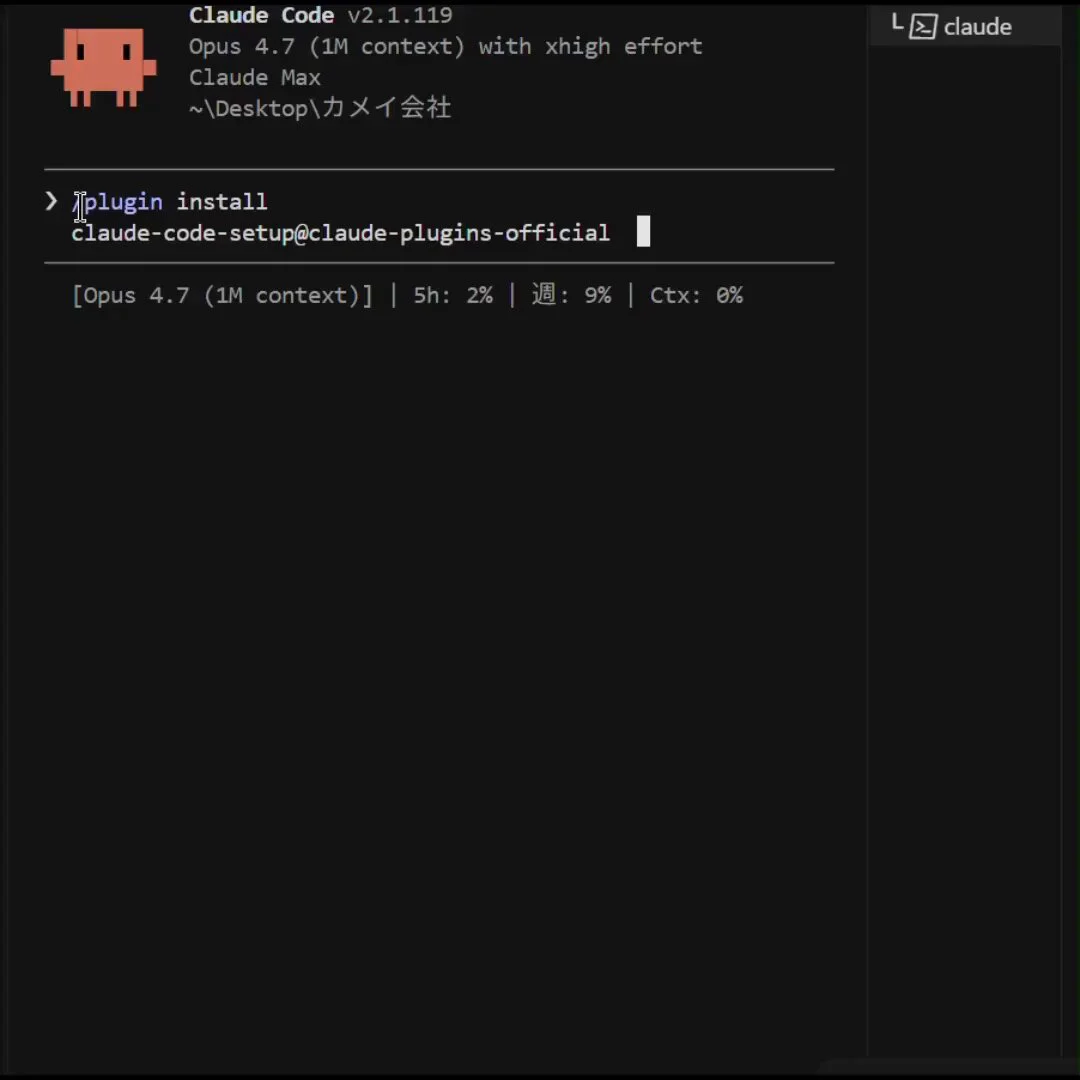
Anthropic's official claude-code-setup plugin streamlines the initial configuration of Claude Code projects with a single command. Instead of manually writing configuration files or guessing directory structures, the tool analyzes your project environment and suggests optimal automation components.
Image source: @aiscwork
Developers can install the plugin to inspect tailored toolchain recommendations and follow step-by-step configuration guidance for their project.
Official claude-code-setup Plugin and Operation
Previously, developers had to manually place hooks, custom skills, MCP server configurations, and subagent definitions in the project root. This manual approach often led to misconfigurations or uncertainty about which combinations worked best.
The claude-code-setup plugin analyzes the project environment to recommend components and guide step-by-step configuration:
- Project Analysis: Reads current directory structures to identify suitable automation elements.
- Component Recommendations: Suggests hooks, custom skills, external MCP servers, and specialized subagents.
- One-Line Installation: Installed directly inside Claude Code using
/plugin install.
Getting Started with a Single Command
Enabling and running the plugin requires only a simple command within your Claude Code environment:
/plugin install claude-code-setup@claude-plugins-official
Once installed, the plugin scans project requirements to guide you through setting up an ideal development environment. It reduces trial and error from manual configurations while quickly establishing a standardized agent workflow.
Sources
- AISC. (@aiscwork) X Post: Official Claude Code Setup Plugin Overview