OpenAI Codex CLI and Plugins: Markdown Checklist Aggregation and 3D Viewer Isolation
A practical workflow guide using official Codex CLI (v0.159.2) and the Build Web Apps plugin to refine a markdown checklist parser and implement 3D mesh search
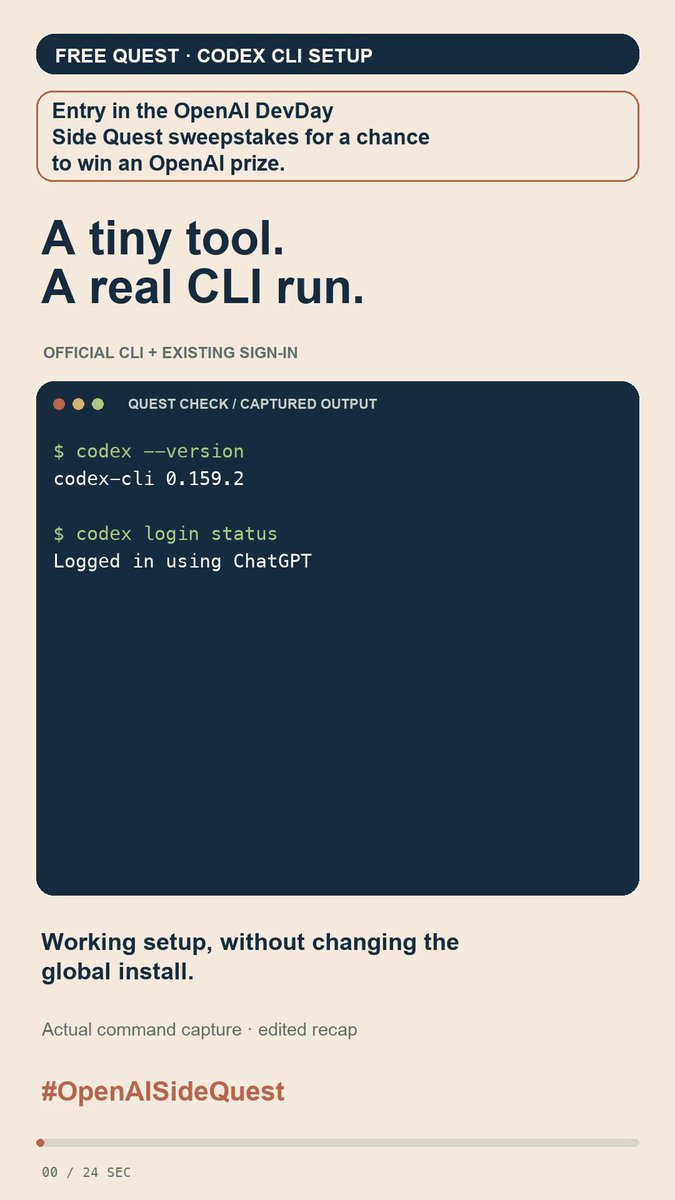
Shared by developer Globejam (@Globejamyo) as part of the OpenAI DevDay Side Quest event, this practical tips guide explores everyday workflows with the official Codex CLI and ChatGPT plugins. It details how checking the Codex CLI (v0.159.2) environment and ChatGPT login enables rapid refinement of a markdown checklist aggregator, alongside utilizing the Build Web Apps plugin to add object search and isolated mesh inspection to a 3D web viewer.
Image source: @Globejamyo on X
1. Codex CLI Setup and Markdown Checklist Aggregator Refinement
The first workflow demonstrates resolving edge cases in markdown parsing and expanding output formats within the official Codex CLI terminal environment.
- Version and Authentication Checks: Verifying the installed official Codex CLI version (
v0.159.2) and active ChatGPT account login configuration. - Code Block Exception Handling: Improving the parsing logic to explicitly exclude sample checkboxes (
- [ ],- [x]) inside code blocks (```) from being miscounted alongside genuine document checklist items. - Multiple Output Formats: Adding structured JSON output capabilities alongside plain-text summaries, enabling downstream scripts and pipelines to consume the aggregate results programmatically.
- Test Validation: Successfully passing all 7 test cases, accurately computing 3 incomplete items, 3 completed items, and an exact 50% completion rate on test samples.
The workflow highlights an efficient terminal loop: checking environment configuration, requesting targeted code improvements via natural language prompts, running automated tests, and inspecting final text and JSON outputs.
2. Extending 3D Web Viewer with Mesh Search and Isolation via Build Web Apps Plugin
The second workflow focuses on using the Build Web Apps plugin to enhance an existing browser-based 3D viewer with targeted object search and dynamic camera alignment.
- Keyword-Driven Object Isolation: Searching for
Laptopin the viewer and selecting the entry isolates only the 40 component meshes belonging to the laptop out of 133 total meshes in the scene. - Automatic Camera Alignment: The 3D viewport automatically repositions and recalculates its camera angle and framing to focus directly on the isolated component.
- Full Scene Restoration (
Restore all): Clicking theRestore allbutton instantly brings back all 133 scene meshes and restores the 3D camera to its original vantage point.
This approach demonstrates how plugin-assisted workflows streamline building responsive 3D web interactions spanning search, selection, isolated rendering, and full scene resets.
Original source
- Globejam on X (@Globejamyo): OpenAI DevDay Side Quest - Codex CLI Setup & Plugins Demo
- Plugin Repository: Build Web Apps Plugins Repository