Generating Apple-Style Motion Design Videos Purely with Code and Claude Opus 5.5
A complete Claude Opus 5.5 prompt workflow for creating Apple-keynote-style 2D motion graphics in pure code using single-file HTML, SVG displacement maps, and P
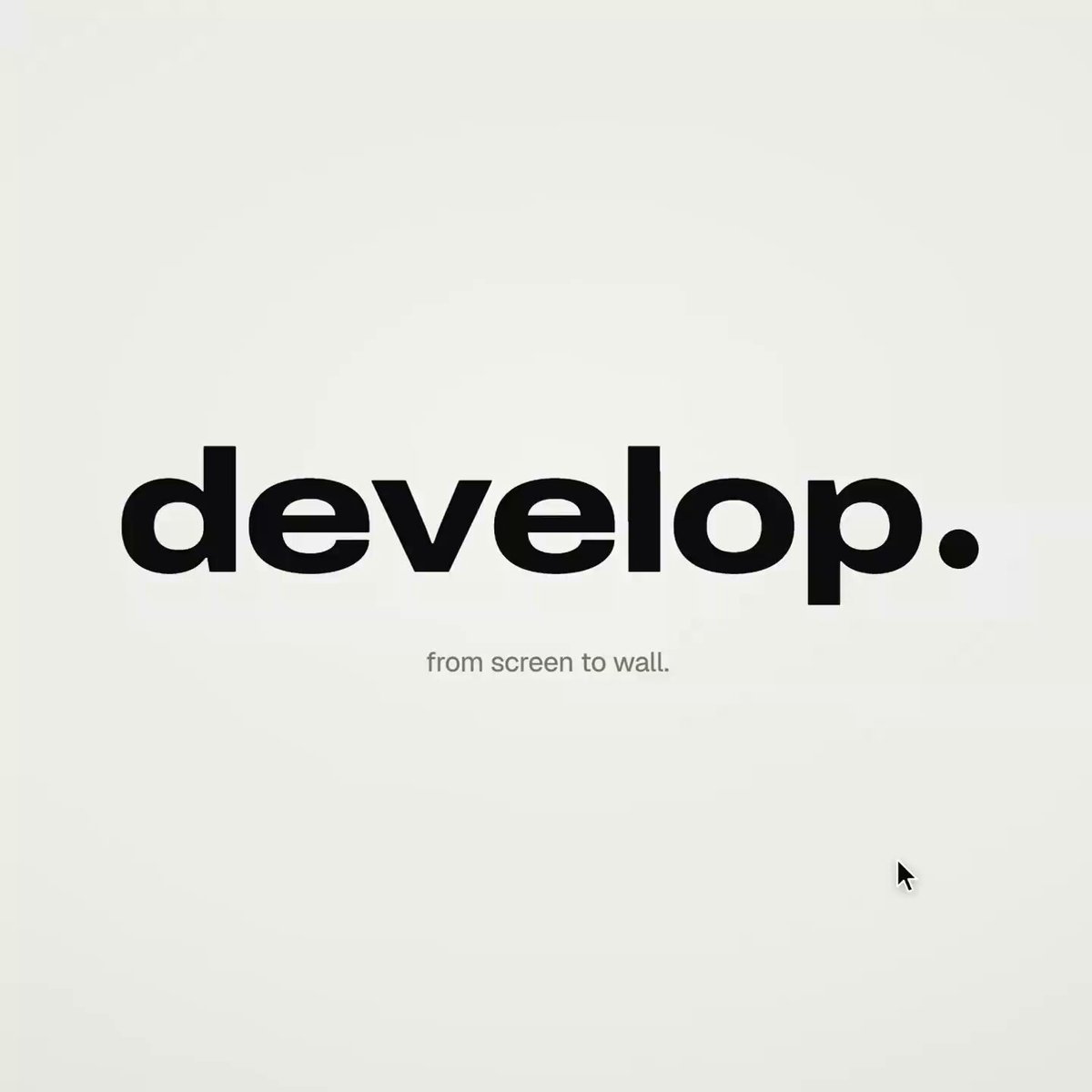
On October 4, 2026, creator testarossa (@rossaxbt) on X shared a production-grade prompt and technical pipeline for creating Apple-keynote-style 2D motion design launch videos using Claude Opus 5.5 with zero external SaaS tools, paid plugins, or Model Context Protocol (MCP) integrations, rendering entirely from pure web standard code.
Image source: @rossaxbt on X
While most generative AI video discussions on social media steer creators toward recurring paid subscriptions or complex multi-agent frameworks, this workflow costs $0 and relies exclusively on deterministic HTML, CSS, SVG, and JavaScript. By calculating every animated property as a mathematical function of time and rendering frame-by-frame via headless Playwright and FFmpeg, it produces smooth 60fps motion graphics.
120 BPM Beat Synchronization and Continuous One-Take Direction
The foundational philosophy of the prompt centers on a strict "one continuous take" visual language where no traditional hard cuts, crossfades, or blur transitions exist. Every new scene emerges directly from the geometric deformation of elements in the preceding scene.
- Required Project Inputs:
- A single-word brand name for the wordmark (verbs work best).
- 9 to 12 high-resolution product or concept photographs.
- A royalty-free audio track at approximately 120 BPM featuring a defined drop and a quiet breakdown (sourced royalty-free from Mixkit).
- A clean stock video clip of a plain wall with natural plant shadows moving across it (sourced from Pexels).
- Visual Direction Rules:
- Warm off-white canvas, crisp black UI elements, and iOS 26 liquid glass refractions layered over photography.
- Strict typography: Archivo (
wdth 125, weight 800) for the primary wordmark and Geist for all UI labels. - A visible software cursor drives every state change through explicit clicks, drags, and long-presses.
- Screen-studio camera zooms ensure key moments fill the square canvas, with the cursor scaling proportionally.
- Explicitly Banned Techniques:
- No crossfades, no blur-ins, no brightness "developing" tricks, no 3D flips, no particles, no decorative glows, and no static holds exceeding 1 second.
- 54-Beat Timeline Architecture (120 BPM):
- Open: The brand wordmark compresses accordion-style into its trailing period. The dot expands into an elongated black pill, revealing an emerging label. On click, a six-blade iris closes over the label and snaps open onto a photograph. The circular aperture morphs into a square and scales down. A multi-tile grid unfolds like a paper map behind it and rearranges into a bento layout; a click zooms deep into one tile precisely on the musical drop.
- Glass: Glass typography resolves letter by letter, melts into a single droplet, and stretches into a glass toolbar. The adjust icon morphs into a slider; dragging it modulates lighting across two registered shots from daylight to golden hour. The slider knob detaches into a spherical glass lens, rises into an orb, and frames the next circular photo. The orb expands into an iOS-style lock screen with glass clock numerals, date, and a home bar that pulls out into a glass music player.
- Stage: The lock screen pulls back to reveal a phone as the bezel grows from the screen edge. The Dynamic Island stretches like liquid, pinches off, flies across the canvas, and expands into a Mac window rolling up like a blind. Long-pressing the wallpaper drags the asset onto a Safari browser tab. The page pushes forward, transforming the dropped asset into the hero image of a clean landing page. Scrolling morphs the hero image into a framed art print inside an e-commerce card; selecting frame color and dimensions transitions the navigation button into an "Order print" action.
- Order: A single morphing black shape communicates state progression: Ordered ✓ → Printing % → On its way (illustrated delivery van on route) → Delivered ✓.
- Wall Loop: The delivery checkmark circle expands into full-frame black for exactly one beat, then contracts into the physical framed print mounted on the real wall footage. The same six-blade iris opens over the print and snaps shut. The outer frame expands to fill the viewport, then compresses into the pill → the dot → and the original wordmark letters spring out on the returning downbeat, achieving an exact loop where the final frame equals the first frame.
Pure Mathematical Functions and the Nine-Point Build Architecture
The code generated by Claude Opus 5.5 avoids traditional CSS transitions, requestAnimationFrame loops, and mutable state. Instead, it computes all element styles deterministically through an asynchronous seek(t) evaluation.
- Deterministic Single-File HTML (1440×1440 Square):
- All animations are purely computed from timeline timestamp $t$. Eliminating browser timers and state persistence guarantees reproducible, frame-accurate rendering across headless environments.
- Closed-Form Step Responses for Spring Physics:
- Multiple destination targets are handled by superimposing individual closed-form spring equations per transition, preserving time as a pure mathematical input.
- Liquid Glass via SVG Displacement Maps:
- Every glass container maintains an isolated clone of the background elements beneath it.
- Refraction is achieved using an SVG
feImagerounded-rectangle distance field routed through three distinctfeDisplacementMapfilters at micro-varied scales to simulate chromatic aberration, finished with a subtle rim highlight. Glass typography applies a per-glyph canvas distance field.
- Goo Morphing:
- Elements merge using Gaussian blur and alpha thresholding, layered with the original source graphics on top to maintain interior vector sharpness.
- Six-Blade Iris Mechanism:
- An iris aperture surrounds a hexagonal opening with six geometric blades, computed from vertex coordinates, edge extensions, and their connecting short arcs.
- Wordmark Squeeze Dynamics:
- Letters compress toward the period marker proportionally while dynamically adjusting the variable font width axis (
wdth), ensuring continuous glyph-to-glyph contact without overlap.
- Letters compress toward the period marker proportionally while dynamically adjusting the variable font width axis (
- All-Intra Video Integration:
- Live-action background footage is pre-encoded using
ffmpeg -g 1(forcing all frames to be intra-coded keyframes), loaded into memory via Blob URLs, and rendered to<canvas>only after resolving theseekedevent.
- Live-action background footage is pre-encoded using
- Sample-Accurate Audio Synchronization:
- Event sound effects (Mixkit SFX) are positioned based on measured waveform peaks rather than synthesized tones. The musical structure aligns strictly to timeline beats: zoom on the drop, wall footage during the quiet breakdown, and wordmark rebound on the downbeat, normalized to -14 LUFS (
loudnorm).
- Event sound effects (Mixkit SFX) are positioned based on measured waveform peaks rather than synthesized tones. The musical structure aligns strictly to timeline beats: zoom on the drop, wall footage during the quiet breakdown, and wordmark rebound on the downbeat, normalized to -14 LUFS (
- Headless Playwright Capture and FFmpeg Subframe Blending:
- Playwright captures four temporal subframes per output frame, composited via FFmpeg's
tmixfilter at 60fps to produce cinematic motion blur. Automated verification checks one frame per musical beat and flags single-frame rendering spikes (frame differences exceeding 3x neighboring baselines).
- Playwright captures four temporal subframes per output frame, composited via FFmpeg's
Browser Rendering Pitfalls and Production Caveats
The prompt incorporates critical browser-level workarounds discovered during hands-on web engine compilation:
- Chromium Displacement Filter Bug: In Chromium engines,
backdrop-filter: url()fails to parse displacement maps properly. The scene behind the glass must be manually cloned rather than filtered through CSS backdrop hooks. - Flood Transition Edge Margins: Full-screen color fill transitions must extend well beyond the canvas bounding box and span at least 0.3 seconds to prevent abrupt half-screen flickering on single frames.
- CSS Visibility Bleed: Because setting
visibility: visibleon a child element overrides a parent's hidden state, all nested animated elements must strictly usevisibility: inherit. - Morphing Text Masking: Swapping typographic labels within continuously deforming shapes requires independent mask layers to prevent clipping artifacts.
- Local HTTP Range Seeking: Standard
python -m http.serverinstances lack support for byte-range video seeking; videos must be converted to in-memory Blob URLs for seamless random-access playback.
Complete Claude Opus 5.5 Prompt Specification
Below is the complete, unedited prompt ready to be pasted directly into Claude Opus 5.5 to generate the motion graphics codebase:
OPUS 5.5 IS ALL YOU NEED FOR MOTION DESIGN

this launch video cost $0 and was made entirely with code

everyone else on X says the same shit, then sends you to a website or an MCP

this is completely free and uses 0 external tools
take the prompt and try it in your Claude ↓

<inputs>
Ask me for: a one-word brand name for the wordmark (a verb works best), 9 to 12 high-res photos, a royalty-free track around 120 BPM with a drop and a quiet breakdown (Mixkit, free for commercial use), and a free stock clip of a plain wall with moving plant shadows (Pexels).
</inputs>

<direction>
An Apple-keynote-style launch film, 2D only, in one continuous take. Each scene grows out of the last: no fades, blurs or cuts. Objects transform instead. Text rises from a mask line, icons spring up from zero, bars draw across the screen, pages push forward, and a black shape fills the frame before shrinking into the next scene. Use a warm off-white canvas, black UI and iOS 26 liquid glass over the photos. Archivo (wdth 125, weight 800) for the wordmark, Geist for the UI. A cursor triggers every change with actual clicks, drags and long-presses. Zoom the camera screen-studio style so each moment fills the square, and scale the cursor with it.
Banned: crossfades, blur-ins, brightness "developing", 3D flips, particles, glows, holds longer than 1s, anything that feels like a template.
</direction>

<structure>
120 BPM, 54 beats, with something happening on every beat.
Open: the wordmark compresses into its own period like an accordion. The dot expands into a black pill, and a label rises inside it. Click: six iris blades close over the label, then snap open onto a photo. The circle turns into a square and shrinks. A grid unfolds behind it like a paper map (center, plus, corners), rearranges into a bento, and a click zooms into one tile, landing right on the drop.
Glass: a glass word appears letter by letter, then melts into a droplet that stretches into a glass toolbar. The adjust icon turns it into a slider. Dragging changes the photo lighting from day to golden hour (two aligned shots), while the held knob becomes a glass lens. It rises into a glass orb, the next photo opens inside it as a circle, and the orb grows into a lock screen with glass clock digits, a date and a home bar that stretches into a glass music player.
Stage: the lock screen pulls back to reveal a phone, with the bezel growing from the screen edge. The Dynamic Island stretches like liquid, pinches off, flies across and expands into a Mac window that rolls up like a blind. Long-press the wallpaper and drag it onto a Safari tab. The page pushes in; when you drop the image, it becomes the hero of a landing page. Scroll: the hero transforms into a framed print on a product card, with the mat and molding growing from the photo's edge. Choose a frame color (it paints across) and a size, then the nav button flies down and becomes "Order print".
Order: one black shape keeps changing: Ordered ✓ → Printing % → On its way (a van on a route) → Delivered ✓.
Wall: the delivered circle expands until black fills the frame, holds for one beat, then shrinks into the framed print hanging in the real wall footage. The same iris opens onto the print and closes again. The frame fills the screen, contracts into the pill → the dot → the letters spring back out on the returning beat. Last frame = first frame.
</structure>

<build>
1. One HTML file, square 1440x1440. Compute every style from time inside an async seek(t): no CSS transitions, timers or state carried between frames.
2. Use closed-form step responses for springs. When a value has multiple targets, add one spring per change so it remains a pure function of time.
3. Liquid glass: each glass element keeps its own clone of the scene behind it. Filter that clone with an SVG feImage displacement map (a rounded-rect distance field) through three feDisplacementMaps at slightly different scales for chromatic edges, then add a rim light. For glass letters, use a canvas distance field per glyph to create the map, mask and highlights.
4. Goo: apply blur and an alpha threshold, then composite the source on top so the glass stays sharp inside.
5. Iris: place 6 blades around a hexagonal aperture. Each blade uses its two vertices, both edge extensions and the SHORT arc between them.
6. Wordmark squeeze: move every letter toward the dot by the same factor and adjust its drawn width to match (narrow the wdth axis, scale the rest), keeping the letters in contact.
7. Footage: re-encode it all-intra (ffmpeg -g 1), load it as a blob URL and await "seeked" before drawing each frame.
8. Sound: use a downloaded SFX for every event (Mixkit), never synthesized, and position each by its measured peak. Start the song on a downbeat: land the zoom on the drop, place the wall in the breakdown and bring back the wordmark with the beat. Loudnorm to -14 LUFS.
9. Render with Playwright: blend 4 subframes per frame using ffmpeg tmix at 60fps. Check one frame per beat, then look for single-frame pops (frame-difference spikes 3x higher than their neighbours).
</build>

<gotchas>
backdrop-filter: url() misreads displacement maps in Chromium, so clone the scene instead. A flood needs to extend beyond the corners and take about 0.3s; otherwise, half the screen changes in a single frame. A child set to visibility: visible can show through a hidden parent, so use inherit. Text swapping inside a morphing shape needs its own mask. python http.server can't range-seek video, so use the blob URL.
</gotchas>

<start>
Ask me for the inputs, then show me the beat map and 4 stills (open, glass, stage, wall) before writing the full film.
</start>