Building a Viral AI Influencer Workflow with APOB AI, GPT Image 2.0, and Seedance 2.5
A step-by-step production workflow for creators to build consistent on-camera AI influencer avatars with instant hooks, visual escalation, and 30-second continu
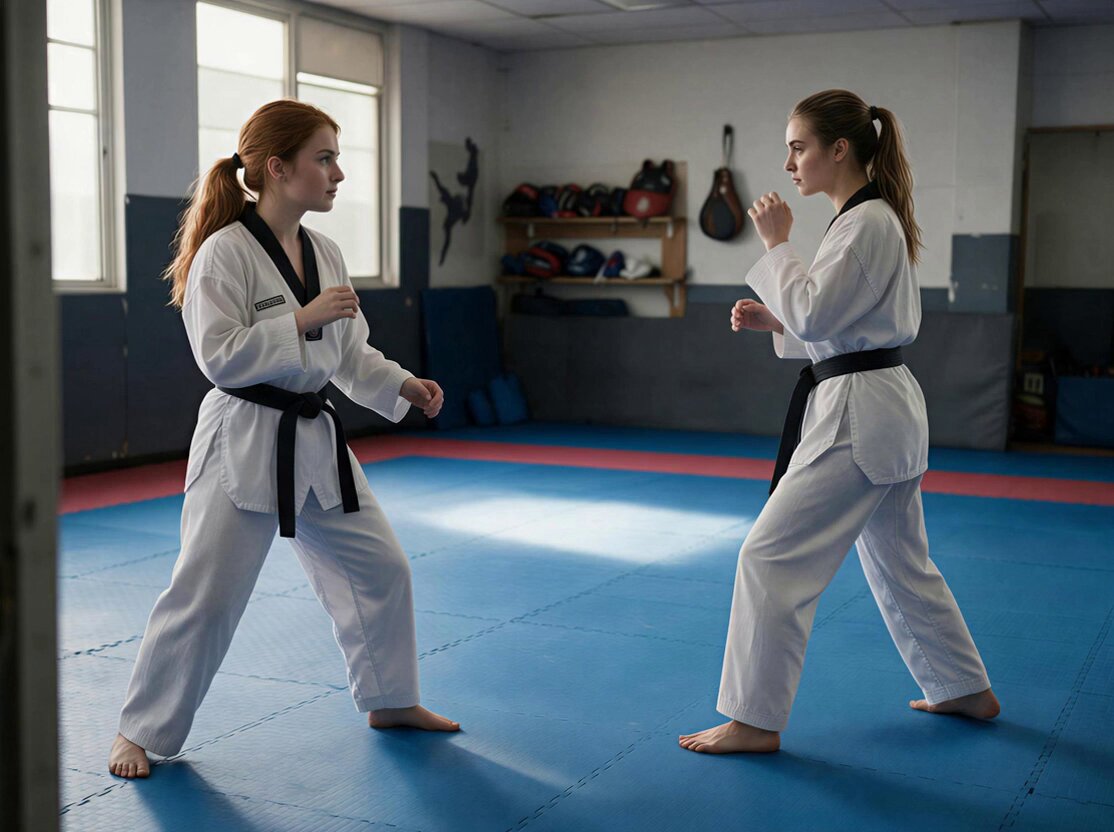
AI creator @Milliekio on X has shared a step-by-step production workflow combining APOB AI, GPT Image 2.0, and Seedance 2.5 to systematically generate consistent on-camera avatars and 30-second viral vertical videos.
Image source: @Milliekio
While traditional AI video creation often relies on rolling random prompts until a usable clip appears, this workflow focuses on a repeatable digital persona production system. By modularizing character identity setup, 9:16 vertical storyboard planning, multimodal reference binding, and 30-second single-pass video generation, creators can maintain visual continuity and reliable performance across recurring social content.
1. Locking Character Identity and Visual Anchors with APOB AI and GPT Image 2.0
The first phase of the pipeline is preventing "AI drift"—where a character's facial features subtly shift between frames and outfits—by establishing an immutable identity base.
Using APOB AI's AI Influencer Generator and Portrait Model tools, creators define the avatar's specific demographics, facial structure, skin texture, hairstyle, and makeup in the Bespoke Details settings to generate a foundational digital face.
- Character Sheet Construction: With GPT Image 2.0, creators generate a standardized character sheet capturing the avatar from multiple angles with varied facial expressions and wardrobe configurations, serving as the master visual reference.
- Visual Story Bible: Background lighting, color palettes, and recurring environmental elements are established in advance so the character and set integrate seamlessly across scenes.
Locking these assets before entering the video generation stage ensures the video model has explicit visual references rather than guessing character traits from scratch.
2. Crafting 1-Second Hooks and 9:16 Vertical Storyboard Prompts
On short-form platforms such as TikTok, Instagram Reels, and YouTube Shorts, capturing viewer attention within the first second is crucial to preventing drop-off.
Instead of generic wide shots or slow introductions, prompts are engineered around dynamic close-up framing, direct eye contact, rapid camera push-ins, and clear initial micro-expressions.
- Hook-Focused Prompt Structure: Prompts describe an immediate action in the opening frames—such as a surprised expression, leaning into the camera, or raising a finger to reveal a secret—followed by a natural transition into the core delivery.
- Authentic UGC Smartphone Aesthetics: Rather than polished studio lighting, prompts specify natural ambient illumination and subtle handheld camera movement to deliver an authentic, relatable smartphone video aesthetic.
- Subtitle-Safe Margins: Subjects and key gestures remain centered with sufficient padding at the bottom of the 9:16 frame to accommodate mobile platform overlays and captions.
- Seamless Loop Endings: The concluding frames are designed to resolve smoothly into the opening pose, encouraging seamless repeat viewing loops.
3. Multimodal Reference Binding and 30-Second Single-Pass Generation with Seedance 2.5
ByteDance's Seedance 2.5 model acts as the core rendering engine, generating complete vertical scenes of up to 30 seconds in a single pass with built-in scene transitions and synchronized audio.
Seedance 2.5 supports up to 50 role-tagged reference assets (up to 30 images, 10 videos, and 10 audio clips), allowing creators to direct the model with targeted visual and auditory inputs rather than lengthy text descriptions alone.
- Single-Job Asset Assignment: References are assigned single, unambiguous roles—
@Image1for character identity,@Image2for environment,@Video1for choreography and camera movement, and@Audio1for voice and background tone. - Timestamped Story Beats: The prompt organizes action by time codes, such as 0–5s (opening hook), 6–15s (action escalation and gestures), and 16–30s (payoff and loop resolution).
- Synchronized AV Generation: Dialogue, ambient sound, and background audio are generated in the same pass, aligned with character lip movement and camera pacing without requiring separate post-production audio assembly.
- Negative and Retention Constraints: Strict
Keep: [identity, wardrobe, style]andNo: [visible text, logos, face distortion]rules are included at the end of the prompt to suppress unwanted artifacts.
4. Director-Style Review and Modular Refinement
Rather than rerolling entire prompts from scratch when an output falls short, creators inspect the output through a director's checklist and apply focused, modular adjustments.
- Mobile Review Criteria: Check for facial consistency against the character sheet, verify clean hand rendering, confirm natural micro-expressions and eye contact, evaluate audio sync, and verify UI margin clearance.
- Granular Adjustments: If specific movements or expressions drift, refine only the relevant timestamp instructions in the prompt, or use APOB AI's Talking Avatar and Lip Sync features to adjust speech delivery independently.
By standardizing each stage into a predictable pipeline, individual creators and growth teams can reliably produce high-engagement AI influencer content with minimal compute waste.
Original source
- X @Milliekio: October 4, 2026 Post