Topview 3D Builder: Open-Source Local Tool for AI Agent 3D Scene Staging and Camera Direction
An overview of Topview 3D Builder, an open-source tool connecting AI agents like Claude Code, Cursor, and ChatGPT to plan 3D scenes and multi-camera motion for
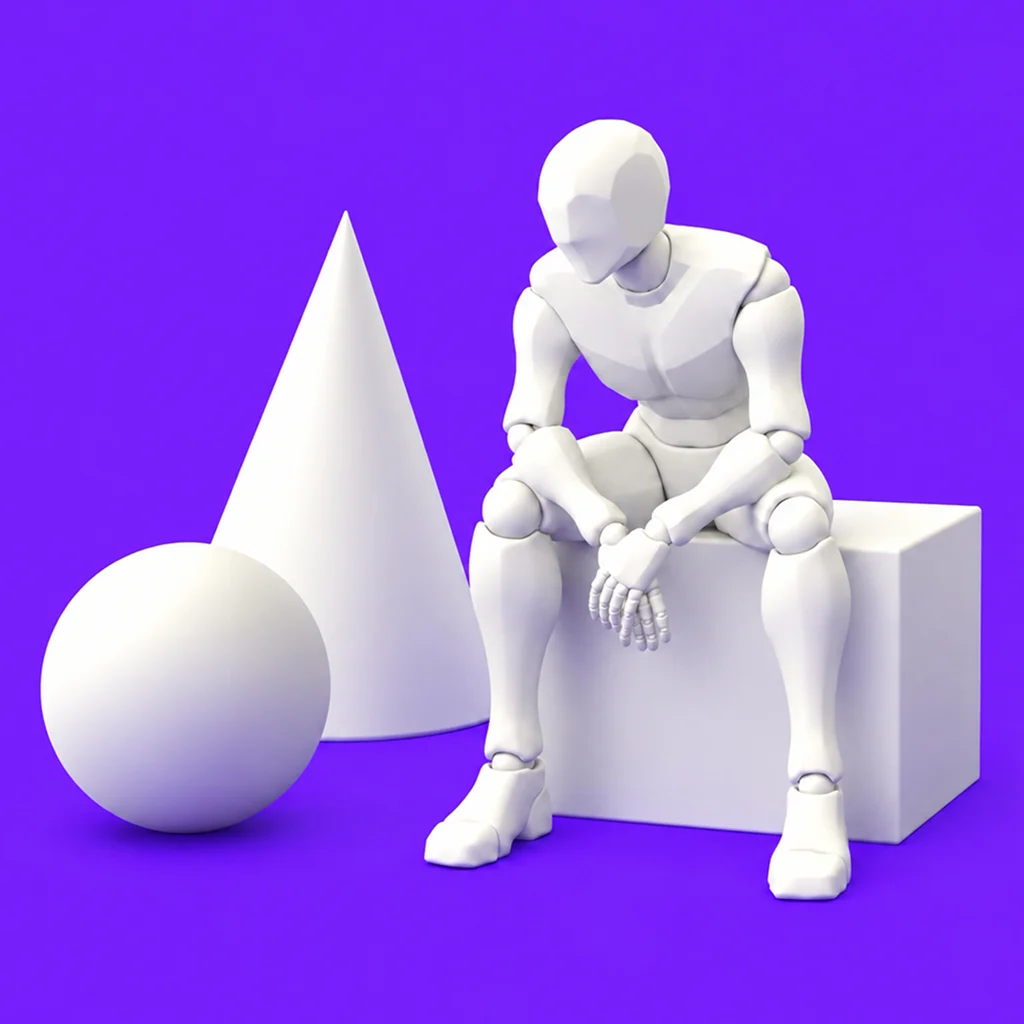
Controlling camera paths and staging character positions in AI video generation through text prompts alone remains a persistent challenge. Minor text changes often trigger completely random framing resets, forcing creators into costly trial-and-error cycles. Published on September 24, 2026, the open-source project Topview 3D Builder (topviewai/topview-3d-builder) addresses this bottleneck by using AI coding agents as virtual 3D scene directors.
Image source: https://github.com/topviewai/topview-3d-builder
Released under the Apache License 2.0, Topview 3D Builder runs locally on your machine. Without requiring expertise in traditional 3D DCC software, users can stage a 3D scene, arrange character poses and props, and map out multi-camera paths using natural language prompts or reference images.
Controlling Video Blocking and Camera Motion via 3D Staging
Topview 3D Builder separates spatial planning from video model rendering, verifying camera angles and spatial blocking before passing instructions to a video foundation model.
Text-to-video models frequently struggle with spatial relations like character spacing or continuous camera tracks. The tool solves this by providing built-in 3D character assets, poses, props, and virtual cameras to lock down physical placement beforehand.
- Independent 3D Scene Projects: Scenes are managed as editable project files. Moving a character slightly or swapping a pose does not reset the entire composition.
- Automated Spatial Verification: The tool measures character heights, clipping issues, floating meshes, and framing boundaries automatically to catch errors prior to generation.
- Multi-Camera Consistency: Multiple virtual cameras—such as wide shots, over-the-shoulder angles, and top-down perspectives—can be rendered from a single 3D scene, keeping character locations consistent across cuts.
- Timeline-Based Camera Trajectories: Directors can plan push-ins, pull-backs, tracking shots, and orbital rotations directly along a timeline.
The 3D scene setup and multi-camera pre-rendering steps execute entirely on local hardware for free, with no account sign-up or file uploads required. However, transforming the configured 3D scene into a finished animated video relies on external video generation platforms such as Topview.ai.
System Prerequisites and Agent Integration
Running Topview 3D Builder locally requires the following environments:
- Python: 3.11 or higher
- Node.js: 20.6 or higher
- Package Manager:
uvorpipx
The tool connects to AI coding agents and assistants as either a native plugin or a skill.
Claude Code Setup
Register the plugin repository in your terminal and install the package, then restart Claude Code:
claude plugin marketplace add https://github.com/topviewai/topview-3d-builder.git
claude plugin install topview-3d-builder@topview-3d-builder
Cursor Setup
Clone the repository directly into Cursor's local plugins folder and restart the editor:
git clone https://github.com/topviewai/topview-3d-builder.git ~/.cursor/plugins/local/topview-3d-builder
ChatGPT / Codex and Skills-Compatible Agents
For ChatGPT and Codex, the plugin can be added directly via the application plugin interface. For agents supporting the skills protocol, such as Qoder, register the repository via CLI:
npx skills add https://github.com/topviewai/topview-3d-builder.git
Select topview-3d-cli during setup. The initial render downloads and caches a headless browser rendering component locally. The project documentation highlights Qwen 3.8 Flash as an efficient model option for agent interactions, balancing cost and output quality.
Typical Workflow: From Prompt to Multi-Camera Render
Once configured, open an agent session and prompt the tool to construct a scene:
Build a scene: a character sits next to a box. Render a front view.
Reference images can also guide scene setup alongside timed camera movements:
Build the 3D scene from the reference image.
0s: Pull back from the leaning man to show both men and the car.
3s: Over-the-shoulder push-in to the engine.
5s: Fixed first-person shot of the engine.
The AI agent arranges default 3D meshes, assigns poses, and positions cameras according to the prompt. Users can refine details conversationally with the agent or launch the local Studio interface to adjust object positions manually. After finalizing camera cuts, the project outputs camera renders ready for video model conditioning.
By introducing local 3D pre-visualization into AI video workflows, Topview 3D Builder shifts AI video directing from prompt gambling to deterministic scene staging.
Sources
- GitHub: topviewai/topview-3d-builder
- X (@Lucy_love_AI): Topview 3D Builder Announcement Post