X Creator Academy Launched: Essential Guide from Articles to Grok Video
A new Creator Academy has appeared in X Creator Studio. We examine the core guides for Articles, Live Studio, and Grok Imagine across Tools and Monetization.
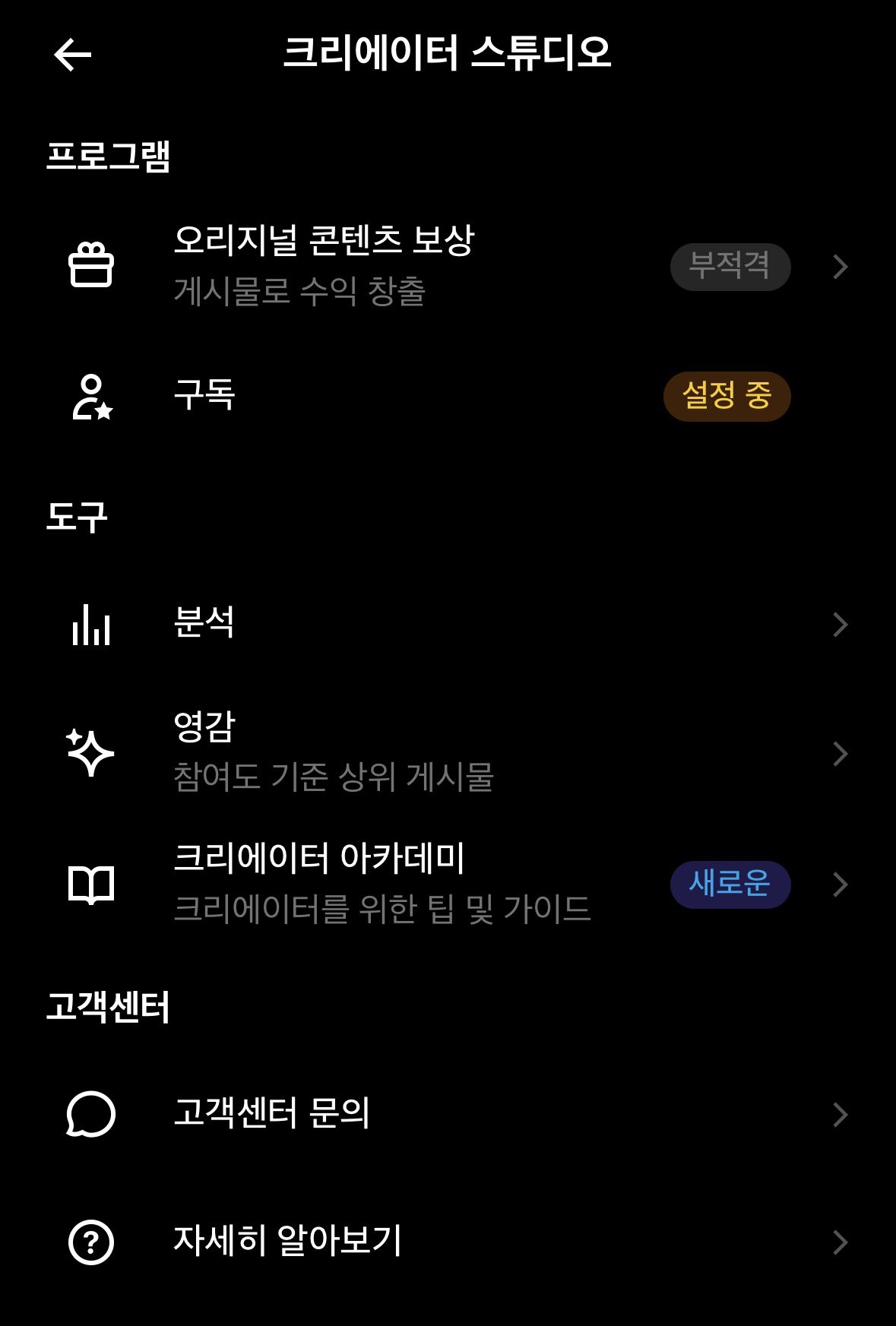
Image source: X @dumdadiduda
A dedicated learning section named the "Creator Academy" has been identified within X Creator Studio, designed to assist platform creators in mastering key publishing and media tools. For digital creators navigating evolving features without consolidated documentation, this new academy menu serves as a practical, centralized reference point for refining workflows.
The Architecture of the New Studio Learning Space
The Creator Academy inside X Creator Studio provides educational resources tailored to creators producing content across the platform. According to details shared by user dumdadiduda, the academy interface is divided into a "Tools" tab and a "Monetization" tab, gathering practical guidelines and operational tips into one accessible menu. This structure helps creators locate essential guidance without sifting through fragmented settings.
Step-by-Step Overview of the Four Core Tool Guides
The Tools tab features four guides addressing core content formats on the platform, outlined in the author's original sequence:
-
Articles — How to write better long-form content: Focuses on setting a clear purpose, capturing interest with strong headlines and opening sentences, and structuring text for readability.
-
Live Studio — How to create and manage live broadcasts: Details creating, scheduling, and managing live streams within a unified workflow.
-
Grok Imagine Image — How to create the images you want: Introduces image generation methods and prompt writing techniques.
-
Grok Imagine Video — How to turn text and images into video: Emphasizes specifying moving subjects, camera movement, and overall scene atmosphere.
Practical Implications and Platform Realities
The Creator Academy reflects X's focus on diverse content formats, spanning long-form text, live broadcasting, and generative multimedia. The Grok Imagine Video guide notably reinforces prompt engineering principles by stressing motion subjects and camera angles. However, as noted in community feedback, these materials serve as introductory references rather than guaranteed pathways to algorithmic reach or revenue growth. Creators should verify menu availability in their studio and explore relevant tools based on their immediate creative priorities.