RemoveMacAI: Purge macOS 27 Apple Intelligence Models and Block Auto-Redownload
Open-source CLI to safely delete multi-gigabyte macOS 27 Apple Intelligence models and block silent background redownloads via configuration profiles without di
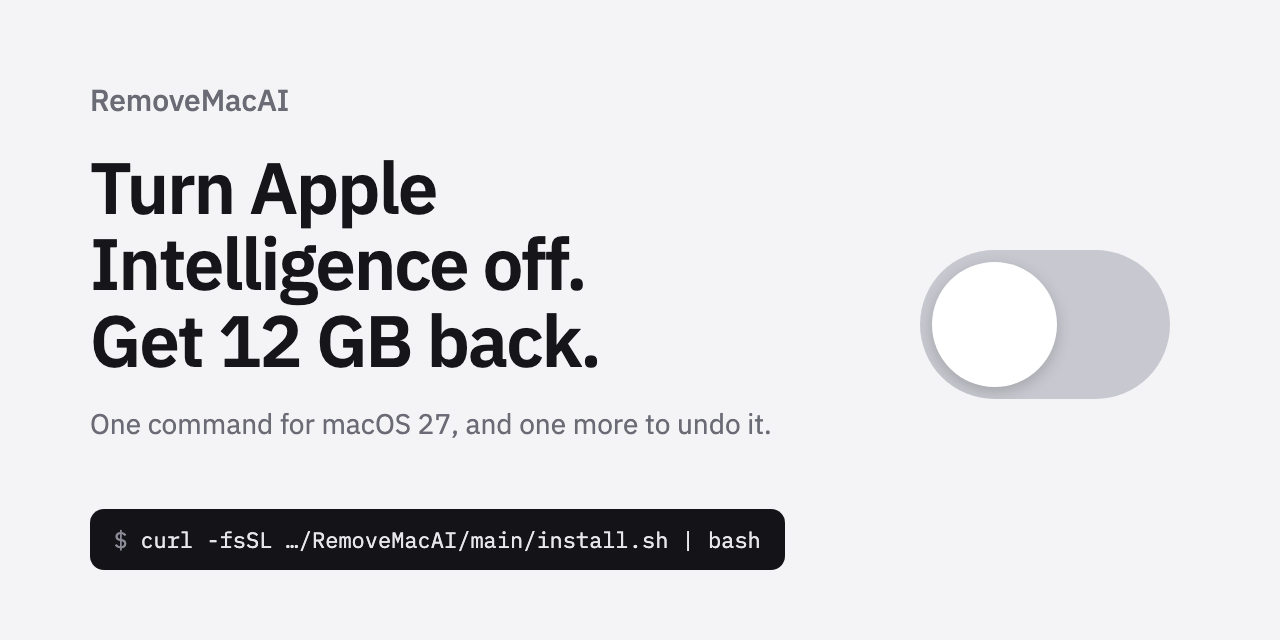
For users running the latest macOS 27 (Golden Gate) who do not rely on Apple Intelligence features, an open-source CLI utility named RemoveMacAI (omlahore/RemoveMacAI) has been released. The tool removes multi-gigabyte on-device AI foundation models and reliably prevents silent background redownloads using official configuration profiles, all without disabling System Integrity Protection (SIP) or modifying read-only system partitions.
Image source: omlahore/RemoveMacAI via GitHub
Unlike prior macOS releases, macOS 27 eliminates the single master toggle to disable Apple Intelligence across the entire operating system. As a result, Mac users seeking to optimize storage or decline AI features have faced persistent background assets that remain anchored to the SSD. RemoveMacAI addresses this system constraint by pairing Apple's official restriction policies with local network redirection.
Persistent On-Device Models and the Background Redownload Dilemma in macOS 27
In macOS 27, even when users turn off individual toggles for Siri, Writing Tools, Genmoji, Image Playground, message/mail summaries, Photos Clean Up, or Xcode code completion, the underlying on-device foundation models remain resident on the internal drive.
- Significant Disk Overhead: While Apple's official documentation states storage requirements of up to 8 GB on compatible Macs and up to 14 GB on Macs with an M3 or later chip and at least 12 GB unified memory, independent tests and community reports show actual disk consumption reaching 20 GB to over 30 GB. Real-world measurements recorded 20.67 GB on an M4 Pro Mac mini (MacRumors), 22.42 GB on an M3 MacBook Air (Ars Technica), 27.59 GB prior to cleanup in tests by AppleInsider, and up to 30.16 GB in user reports on Reddit. For MacBook and Mac mini users on base 256 GB or 512 GB configurations, this allocation represents a substantial portion of usable space.
- Silent Background Redownloads: Manually deleting model assets via Terminal or file managers proves ineffective because the macOS background asset service automatically redownloads the missing models once an internet connection is established.
- Risks of Legacy Workarounds: Previous community workarounds required rebooting into macOS Recovery Mode to delete protected files or disabling System Integrity Protection (SIP) entirely, exposing the host system to significant security vulnerabilities—and even after manual deletion, macOS would silently redownload the assets unless restrictive workarounds like Wi-Fi Low Data Mode were enabled.
How RemoveMacAI Works: Profile-Based Redirection Without Disabling SIP
RemoveMacAI operates entirely within Apple's supported management framework without compromising host security. It leaves System Integrity Protection (SIP) fully active and makes no modifications to files residing on the read-only /System volume.
- Official Configuration Profile Deployment: The utility applies Apple's designated restriction keys for Apple Intelligence via a configuration profile (
.mobileconfig) and forces off features that lack dedicated restriction keys. - Asset Service-Level Deletion: Model assets are deallocated and purged through Apple's official asset service rather than direct, uncoordinated file deletion.
- Local Port Redirection: To prevent automatic background reacquisition, the profile redirects network download requests for the removed model identifiers to a closed local port (localhost). When background daemons attempt to fetch the weights, the connection fails locally.
- Persistence Across Updates: Both the deployed profile and its download block persist through macOS minor updates without reverting.
CLI Commands, Granular Feature Retention (--keep), and Instant Rollback
RemoveMacAI is operated directly from the terminal, offering full batch purging alongside granular control for users who still want specific tools.
| Command | Functionality |
|---|---|
removemacai | Inspects current system state and prompts for confirmation before disabling features and purging models |
removemacai status | Displays the status of each Apple Intelligence feature and the size of its models on disk |
removemacai off --keep <feature> | Disables Apple Intelligence while retaining specified features (e.g., Photos Clean Up) |
removemacai off --dry-run | Previews planned configuration adjustments and model removals without writing changes |
removemacai features | Outputs the full list of recognized feature identifiers valid for the --keep flag |
removemacai revert | Uninstalls the configuration profile and restores macOS to its default factory state |
The removemacai revert command provides a clean undo path. It removes the profile and restores standard settings; should a user subsequently re-enable a feature in System Settings, macOS is allowed to download the required models through regular Apple channels.
Compatibility, Operational Constraints, and Storage Metric Latency
Before running RemoveMacAI, users should take note of specific environment requirements and behavioral traits:
- OS Requirements: RemoveMacAI is designed exclusively for macOS 27. It has been validated on macOS 27.0, and requires version 0.2.3 or later on macOS 27.0.1. It is not supported on macOS 26 or earlier.
- Manual Profile Approval Required: During the initial setup, macOS will launch System Settings where the user must manually confirm and approve installation of the configuration profile.
- Dependent Feature Inactivation: Purging the models deactivates Siri voice integration, inline text prediction, writing tools, notification summaries, and third-party apps relying on the Foundation Models framework or Shortcuts' 'Use Model' action.
- Storage Metric Latency: Although Apple's asset service releases model allocations immediately, the macOS filesystem reclaims disk blocks on its internal purge schedule. Consequently, the storage breakdown in System Settings > General > Storage may take some time before reflecting the freed space.
For users seeking to maximize SSD availability on base-storage Apple Silicon Macs without engaging in risky security downgrades, RemoveMacAI offers an efficient, auditable, and fully reversible maintenance path.
Sources
- GitHub Repository: omlahore/RemoveMacAI
- Original Signal: Dontgiveup_26 on X (@Dontgiveup_26)