Open-Source Toolkits for AI Agent-Driven Motion and Video: Remotion Skills and Motion Canvas
A breakdown of Remotion Skills, which injects video development best practices into AI coding agents like Claude Code and Cursor, and Motion Canvas, a TypeScrip
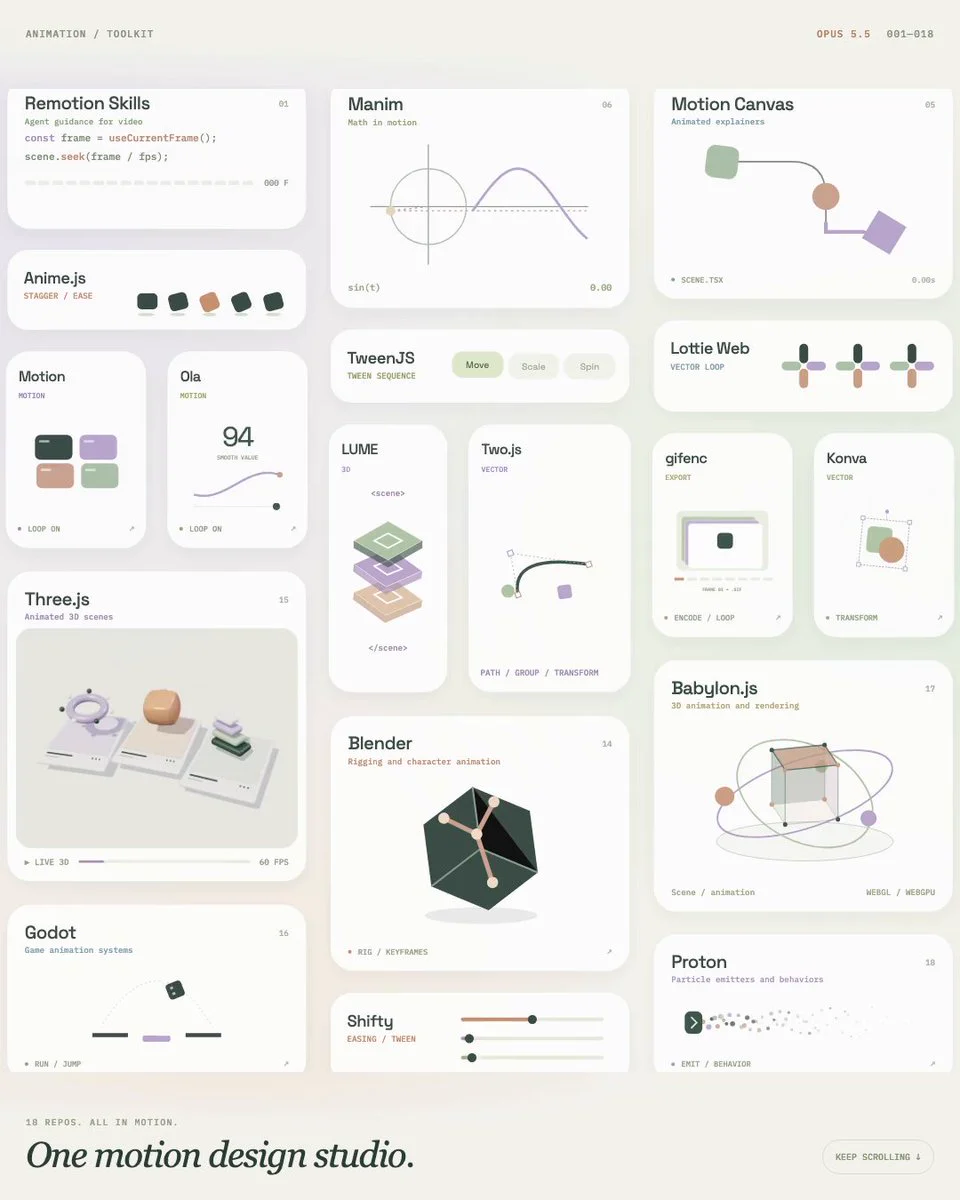
Code-first video authoring framework Remotion and motion graphics toolkit Motion Canvas are gaining renewed traction as developers pair them with AI coding agents to automate programmatic video production.
Image source: https://x.com/e1genqq/status/2121340063254556890
Recent viral discussions on social networks presented a curated collection of 18 independent animation repositories, framing them as a turnkey, unified AI-driven animation studio. In day-to-day engineering, however, each library operates on completely separate execution models. This article examines two core, verified open-source solutions: remotion-dev/skills, an Agent Skills collection designed to guide coding agents, and motion-canvas/motion-canvas, a standalone programmable motion graphics suite.
Guiding AI Coding Assistants with Remotion Skills
The remotion-dev/skills repository maintains an official collection of Agent Skills tailored for AI coding assistants such as Anthropic's Claude Code, OpenAI Codex, and Cursor.
Remotion enables developers to build real video timelines using React components. Because animations and element transitions are computed based on explicit frame counts (frame) and frame rates (fps) rather than standard browser event loops, conventional web frontend patterns often fail when applied directly to Remotion. When LLM-based coding agents lack this context, they frequently introduce invalid browser APIs, incorrect timing hooks, or unoptimized re-renders.
Developers can inject these curated guidelines into their agent environment with a single CLI command:
npx skills add remotion-dev/skills
Alternatively, developers utilizing the GitHub CLI ecosystem can run:
gh skill install remotion-dev/skills
Once installed, the agent gains access to targeted slash commands that instruct it during project generation and code authoring:
/remotion-best-practices: Ingests overarching framework rules, composition design principles, and performance guidelines./remotion-create: Bootstraps a new Remotion project or isolated composition with proper boilerplate scaffolding./remotion-markup: Applies validated patterns for React markup, typography, media placement, asset preloading, and timing curves./remotion-render: Directs the agent to invoke rendering pipelines to output video files or still frames./remotion-studio: Launches the local browser-based preview studio for instant visual feedback.
The repository also provides specialized domain modules, such as /remotion-maps for animated map trajectories, /remotion-captions for subtitle generation, and /remotion-multimedia for browser-level media inspection, ensuring the agent retrieves tight, relevant context rather than generic frontend advice.
Programmatic Explainer Animations with Motion Canvas
While Remotion aligns React component lifecycles to video timelines, Motion Canvas (motion-canvas/motion-canvas) approaches animation from a different angle: it utilizes TypeScript generator functions to construct mathematical and visual explainer graphics.
Generator functions allow execution to pause (yield) and resume on demand. Motion Canvas leverages this pattern so developers can write complex animations as sequential, procedural code rather than manually managing state machines. The toolkit includes a built-in visual editor that displays real-time previews and allows creators to precisely synchronize animations with recorded voiceover tracks.
The project is structured as a modular TypeScript monorepo:
@motion-canvas/core: Contains the runtime engine, frame scheduling, and core rendering logic.@motion-canvas/2d: Serves as the primary 2D vector canvas renderer for shapes, layouts, and typography.player: A Custom Element web component that embeds rendered vector animations directly inside web applications.vite-plugin: Integrates with the Vite build tool to deliver Hot Module Replacement (HMR) and fast local dev server compilation.
Developers working on custom extensions or editing project templates run the local dev server using:
npm run template:dev
This starts a Vite server that actively watches changes across core, 2d, ui, and vite-plugin, rendering live updates inside the Motion Canvas browser editor.
Practical Considerations and Integration Realities
While social roundups often characterize these tools as an end-to-end automated studio, real-world implementations require deliberate architectural boundaries.
First, these libraries do not share a single unified runtime. Remotion relies on the React rendering model and Node-backed headless browser pipelines, whereas Motion Canvas operates inside its own generator runtime and Vite-powered canvas renderer. Unifying them into a single pipeline requires custom orchestration, such as exporting rendered Motion Canvas sequences as video assets and importing them into Remotion compositions.
Second, AI coding assistants remain code-level co-pilots rather than autonomous art directors. Remotion Skills ensures that Claude Code or Cursor adheres to valid framework syntax, but scene composition, creative direction, and pipeline debugging still demand direct developer oversight.
Sources
- GitHub: remotion-dev/skills Repository
- GitHub: motion-canvas/motion-canvas Repository
- X (@e1genqq): Open-Source Animation Repositories Curation