How to Access, Install, and Use Meta Muse from Outside the US: Step-by-Step Guide
A step-by-step setup guide for Meta's US-exclusive agentic AI 'Meta Muse', detailing initial account creation, VPN bypass, and continuous PC and mobile use with
AI practitioner Katoo (@blazingbees) has shared a comprehensive walkthrough detailing how users outside the United States, including South Korea, can successfully register, install, and operate Meta's newly released agentic AI platform, Meta Muse. Unlike conventional conversational chatbots that merely respond to static prompts, Meta Muse operates as an autonomous task executor across user accounts, mobile applications, and native device permissions.
Image source: @blazingbees on X
Due to geographic restrictions during its initial rollout, Meta Muse requires a US-based IP address and an American App Store account for initial onboarding. However, network verification and device binding reveal that this location restriction is enforced only during initial signup and the first mobile application launch. Once the account is established and initialized on a smartphone, users can operate the service continuously across mobile devices and desktop web browsers without keeping a VPN active.
Step-by-Step Account Setup and Installation Guide
Getting Meta Muse running from an unsupported region requires only a smartphone (such as an iPhone) and temporary access to a free VPN service. The entire onboarding process unfolds across five clear stages:
- Create a US Apple ID (iCloud Account): On an iOS device, register a new Apple ID configured with the United States as its primary region. For phone number identity verification, users can enter their existing Korean or local international mobile number (+82) to receive the confirmation SMS code. When prompted for billing and payment methods, select 'None' to skip entering credit card details.
- Connect Through a US VPN Server: Launch a mobile VPN application and connect to a server located in the United States. Free tier services such as Proton VPN work reliably by reconnecting until a US endpoint is assigned, or users can employ any VPN service offering explicit US node selection.
- Register on the Meta Muse Web Portal: With the US VPN connection actively routing traffic, navigate to the official Meta Muse web portal. Complete the registration form to create a new user profile. Note that while web access is established here, completing mobile app pairing is necessary for full agentic feature activation.
- Install the Meta Muse iOS App via US App Store: Sign in to the App Store using the newly created US Apple ID. Search for and download the official 'Meta Muse' application. Launch the app and log in using the credentials registered on the web portal in the preceding step to verify successful startup.
- Finalize Setup and Confirm Native Operation: Once logged in to the mobile application, device pairing is complete. The application can now remain signed in and utilized as a persistent daily assistant.
Token Redemption and Using Muse Without a Persistent VPN
Following the initial configuration, several crucial settings and operational considerations ensure smooth, uninterrupted day-to-day usage:
- Redeeming 1 Billion Free Lifetime Tokens: Inside the Meta Muse mobile application, navigate to
Settings->Redeem Codeand submit the promo code"DYIFSX". Successfully applying this code grants 1 billion tokens with no expiration date directly to the user account, eliminating quota bottlenecks during complex automated task routines. - VPN-Free Web Access on Desktop: After activating the account on mobile, users can access the Meta Muse desktop web interface directly without connecting to a US VPN server. Signing in with the registered credentials maintains an active, fully functional session across desktop web browsers on standard local network connections.
- No Ongoing Background VPN Required: The mobile application does not require a persistent VPN connection once authenticated. Users can disconnect the VPN entirely, and the mobile assistant will continue receiving updates, executing reminders, and monitoring background workflows as normal.
Hands-On Agent Workflows: Background Tasks and Calendar Integration
For users accustomed strictly to query-and-response interfaces like standard ChatGPT or Claude, understanding what distinguishes an 'agentic AI' can initially feel abstract. However, spending roughly ten minutes configuring Meta Muse's native integration points clearly illustrates the shift from reactive text generator to autonomous digital assistant.
Meta Muse features native permission connectors for personal productivity ecosystems, including email providers, Google Calendar, native iOS calendar systems, and on-device health tracking applications. Once granted access, the agent proactively inspects incoming messages and calendar availability, synthesizing personal context to suggest schedule adjustments, flag schedule conflicts, and recommend relevant follow-ups before the user explicitly requests them.
Furthermore, similar to the architecture employed by xAI's Grok Bot, Meta Muse operates dedicated cloud-hosted virtual compute environments. When assigned multifaceted research or retrieval objectives, the agent boots an internal browser instance to navigate the live web, parse documentation, and execute multi-step routines autonomously.
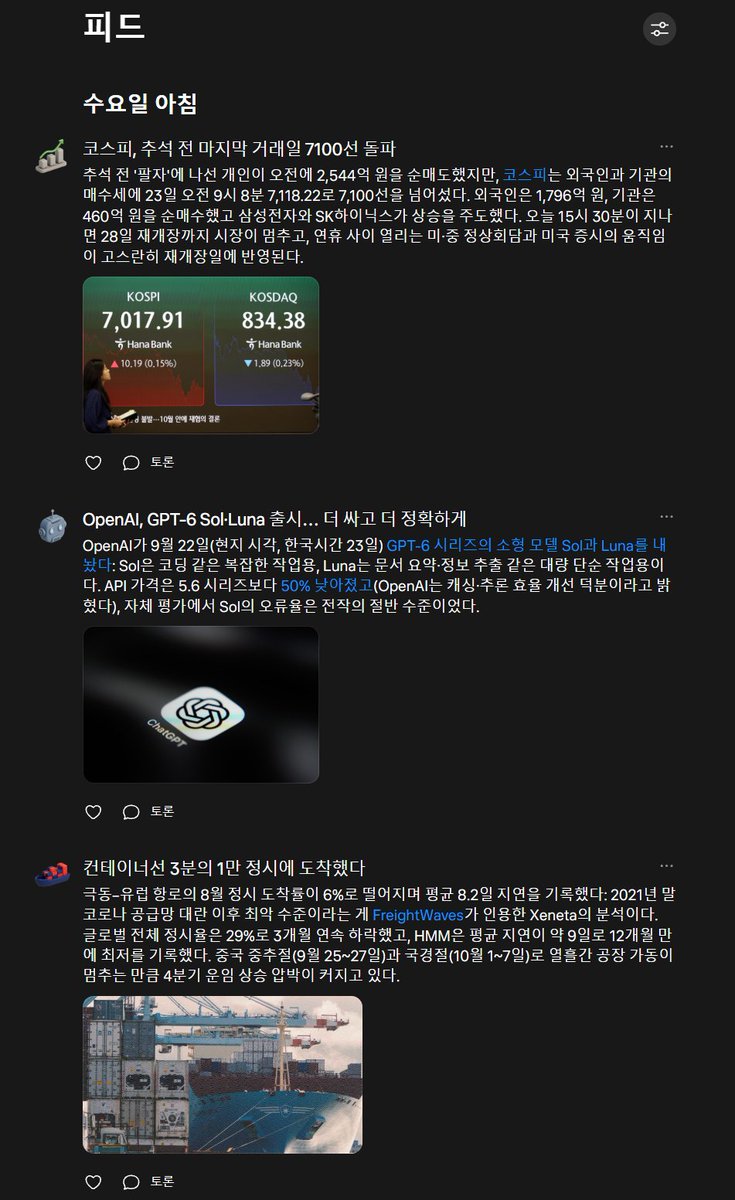
Using the built-in Feed, Ideas, and Goals interfaces, users can delegate continuous background monitoring routines. A prime example involves flight ticket price monitoring for scheduled travel: by referencing flight dates from calendar entries and confirmation emails, users can instruct Muse to track airline pricing at hourly intervals. Even when the user powers down their computer or closes the mobile app, Muse's cloud agent continues querying pricing endpoints every hour and logging updates without interruption.
Original author Katoo emphasized that for anyone curious about how agentic architectures will reshape personal computing workflows, spending a few minutes completing this bypass setup offers a tangible, practical preview of hands-off AI delegation.