Creating 360-Degree Bullet-Time Video in Grok Imagine: The Figurine Prompt Technique
A prompt engineering guide for generating Matrix-style 360-degree frozen bullet-time videos in xAI's Grok Imagine, featuring a clever 'figurine' workaround to e
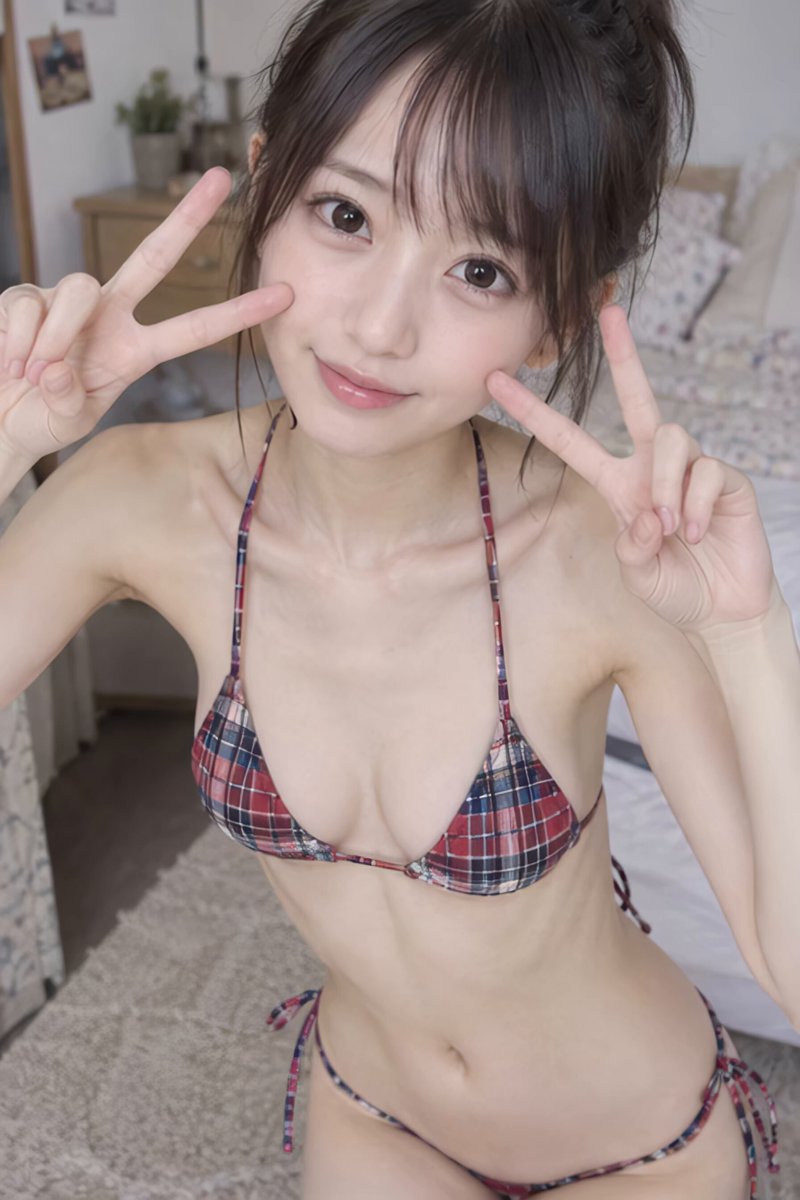
On October 6, 2026, AI prompt researcher and creator Yutaka (@yutaka_prompt) shared empirical findings and actionable prompting strategies for producing 360-degree "bullet-time" camera orbits around time-frozen subjects using xAI's Grok Imagine video generator. The workflow highlights an ingenious prompt workaround developed to overcome generative video models' tendency to hallucinate unwanted facial micro-movement when instructed to freeze time.
Image source: @yutaka_prompt on X
Popularized by The Matrix, bullet-time cinematography involves arresting physical motion in a single frame while the camera smoothly swoops in a 360-degree orbit around the static subject to reveal three-dimensional perspective and spatial depth. In modern video generation models, achieving this effect represents a classic control conflict: the model is trained to advance state forward across temporal frames, making it difficult to force time to stand completely still while simultaneously demanding a dramatic camera sweep. Yutaka's practical workflow demonstrates how a compact prompt structure combined with an unconventional subject framing solves this exact challenge.
1. The Challenge of 360-Degree Bullet-Time in Grok Imagine
Generative video architectures naturally operate on temporal priors, expecting human figures to breathe, blink, shift their gaze, or let their hair ripple with the environment. When prompted with generic commands like "freeze time" or "stop motion," models frequently leak involuntary micro-movements, treating them as necessary markers of video naturalism.
During his experiments in Grok Imagine, Yutaka identified two primary hurdles in nailing a full 360-degree orbital shot:
- The Need for Multiple Generations: Achieving a steady, undistorted camera trajectory around the subject is inherently probabilistic. An ideal motion path rarely emerges on the first attempt and requires running multiple rolls ("何度か試さないと理想の動きにならない").
- Background Consistency Drift: Over the course of a full 360-degree pan, background geometry, ambient lighting, and environmental structures frequently warp or morph into entirely different settings ("よく見たら背景が変わっちゃうな これはむずい"). This spatial instability is a known artifact when pushing camera viewpoints through wide rotational angles in current generative models.
2. Core Bullet-Time Camera Orbit Prompting: The @GirlsinAIArt Pattern
In response to Yutaka's initial findings, AI creator @GirlsinAIArt shared a tested English prompt structure specifically tailored to execute Matrix-style bullet-time camera moves:
The Barrett effect causes time to stop completely. The camera smoothly circles around the frozen subject, revealing depth.
Rather than burdening the prompt with decorative adjectives, this script distills the scene logic into three functional clauses:
- Explicit State Declaration (The Barrett effect causes time to stop completely): Invoking the bullet-time visual shorthand (the Barrett/bullet effect) anchors the scene so that physical progression within the world halts completely.
- Camera Path Specification (The camera smoothly circles around the frozen subject): The directive commands a continuous, smooth rotational orbit around the anchor subject without lateral drifting.
- Depth Cues (revealing depth): Directing the model to reveal dimensional depth guides the rendering toward genuine 3D perspective rather than a flat, two-dimensional tracking pan.
Yutaka thanked @GirlsinAIArt for the reference, noting that he had similarly drawn on The Matrix to achieve bullet-time rotational camera moves while praising the brevity of the script ("私もマトリクスを参考にバレット撮影回転させました。かなり短いスクリプトですね👏"). He emphasized, however, that simply commanding time to stop still left eye and eyelid twitches unresolved.
3. Suppressing Facial Micro-Motion: The 'Figurine' Workaround
Even with camera rotation successfully established, Yutaka encountered a persistent artifact: the subject's eyes and eyelids continued to shift and twitch during the rotation, breaking the illusion of suspended time.
After testing numerous phrasing variations, Yutaka discovered that explicitly recasting the subject as a "figure" or "figurine" rather than a living human yielded reliable freeze results:
"苦戦してるのが目玉や瞼が動いてしまうのを止めたかったのです。結果、時間を止めるではなくてフィギュアにしてしまう方法でたまに成功するようになりました☺️"
(What I struggled with was stopping the eyeballs and eyelids from moving. As a result, instead of telling it to 'freeze time,' turning the subject into a figure/figurine sometimes brings success ☺️)
The mechanics behind this prompt adjustment reflect how foundation models handle semantics:
- Bypassing Biological Animation Priors: When the model parses a subject as a living person, its weights activate learned priors for organic behavior—such as micro-saccades, blinks, and subtle breathing. Defining the subject as a static, manufactured collectible or figurine signals to the model that organic movement is categorically incorrect.
- Isolating Camera Motion: With the subject's internal animations suppressed at the semantic level, the model directs all of its motion budget into the remaining dynamic instruction: the camera's smooth 360-degree orbital sweep.
While stochastic variation means success is not guaranteed on every generation, this semantic shift provides a practical and repeatable trick for creators struggling with twitching facial features during time-freeze shots.
4. Key Takeaways and Practical Recommendations
For creators aiming to reproduce 360-degree bullet-time sequences in Grok Imagine, Yutaka's workflow suggests several concrete best practices:
- Budget for Multiple Iterations: Expect to roll multiple generations to catch a clean pass where the camera completes its orbit without clipping into the subject or distorting perspective.
- Simplify Background Environments: To minimize background warping across a full circle, initiate the generation from clean studio lighting, high-contrast minimal sets, or neutral abstract backdrops rather than cluttered real-world scenery.
- Leverage Inanimate Metaphors: When time-freeze prompts fail to eliminate involuntary twitches, anchor the subject as a precision figurine, sculpture, or statue to cleanly separate camera motion from subject stillness.