Open-Source Gemini CLI: Terminal AI, Installation, Authentication, and MCP
Gemini CLI is an open-source terminal AI agent with npx and package-manager installation options, Google OAuth, Gemini API key and Vertex AI authentication, plu
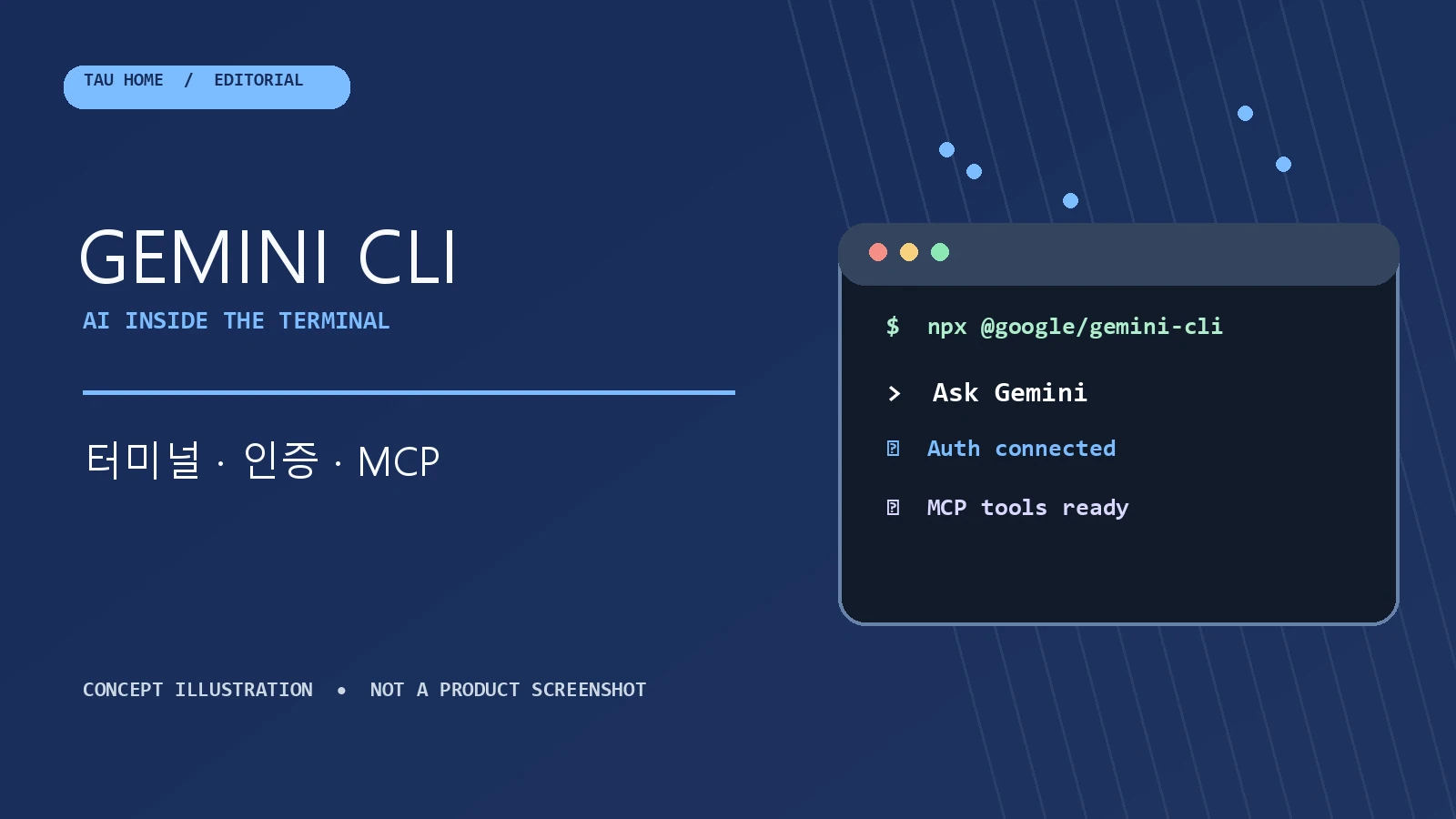
Hero image: Original TAU HOME editorial concept illustration, not a product screenshot. Gemini CLI is an open-source AI agent that brings Gemini into the terminal. It provides lightweight access to Gemini from a prompt.
Gemini CLI can run without installation using npx @google/gemini-cli. Global installation options include npm install -g @google/gemini-cli, Homebrew, and MacPorts. The README also documents an Anaconda environment that installs Gemini CLI globally through npm.
Key Features and Authentication
The README lists three authentication options: Google Account OAuth login, a Gemini API key through GEMINI_API_KEY, and Vertex AI. A paid Code Assist license requires a Google Cloud project, while the documented Vertex AI setup uses GOOGLE_API_KEY and GOOGLE_GENAI_USE_VERTEXAI=true.
For a Gemini API key, the README lists model selection and usage-based billing. For Vertex AI, it lists enterprise security and compliance, higher rate limits with a billing account, and integration with existing Google Cloud infrastructure.
Model Context Protocol (MCP) Integration
The README documents Model Context Protocol (MCP) server integration and configuration in ~/.gemini/settings.json to extend Gemini CLI with custom tools. Its examples cover GitHub pull-request listing, Slack commit summaries, and database queries; repository topics also list mcp-client and mcp-server.
The README warns that Gemini CLI was replaced by Antigravity CLI for unpaid-tier and Google One users on June 18, 2026. It also says Gemini CLI is not optimized for Gemini 4 Argon and directs Gemini 4 Argon users to Antigravity.
Sources
- Source repository: google-gemini/gemini-cli