Claude Code and Codex Playbook: Prompts and Strategy for Building $100K MRR Paid Web Apps
Meng To (@MengTo) shares his playbook and 3-step prompt framework for building paid web apps with Claude Code and Codex, hitting $100K MRR with Opus 5.5 and ful
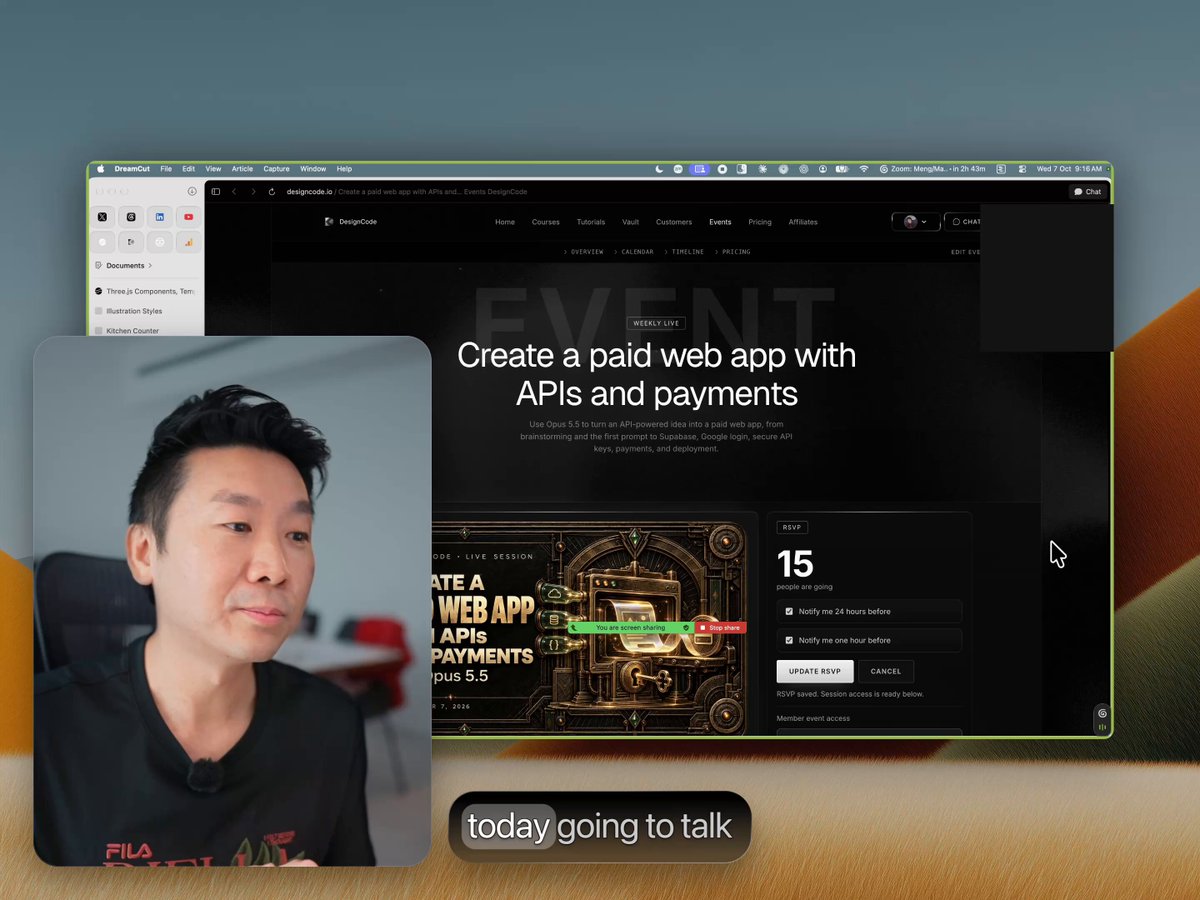
Meng To (@MengTo) has shared his core strategy shift after crossing $100K in monthly recurring revenue (MRR), detailing a practical playbook and three production prompts for building paid web applications with Claude Code and Codex.
Image source: X @MengTo
In a 45-minute tutorial video, Meng To revealed that he surpassed the $100K MRR milestone. His previous product, Aura, now accounts for only 20% of that total revenue, reflecting a complete transition toward AI agent-driven software development. Reflecting on the shift, Meng To noted that "it hasn't been easy for the past few months, but it's finally paying off," calling the current environment a "golden age for solo devs/designers."
The 9-Rule Playbook for Building Paid Web Apps with AI
In his post, Meng To outlined nine core principles for building viable paid software using modern AI coding agents:
- Find ideas in everyday tools: Observe tools used on a daily basis (such as Codex, Cursor, and Figma) to identify missing capabilities or points of friction.
- Revisit and rebuild legacy products: Re-examine past projects and ask how they would be built from scratch today using state-of-the-art AI tooling.
- Separate AI models by role: Assign Opus 5.5 to front-end interface development, and use Codex for the development harness and execution environment.
- Use one-shots for a baseline, then decompose: Generate an initial baseline with a one-shot prompt, then break the implementation down into modular parts. Anyone can copy a basic one-shot.
- Name your stack and future needs up front: Explicitly specify foundational choices—such as React + Vite, Supabase, and Stripe—from the start.
- Provide one quality reference per feature: Anchor every major feature to a concrete benchmark (mockups to {ref}, 2D design tooling to Figma, 3D creation to Spline, asset libraries to Figma Community, and landing pages to Linear).
- Add an AI generation layer via APIs: Go beyond static data presentation by adding an API-driven AI layer so the product actively generates content rather than merely displaying it.
- Enforce self-scoring and screenshot error verification: Instruct the AI agent to rate its work out of 10 and capture screenshots of its own visual or functional errors to self-correct.
- Record demos and maintain a rapid feedback loop: Capture video demos of working features, distribute them across channels, pipe incoming user feedback directly into the agent, and ship continuously.
Meng To highlighted the underlying philosophy: "If you care, the AI cares."
The 3 Production Prompts: From Scaffolding to AI Capabilities and Stripe Payments
Below are the exact prompt templates Meng To uses when constructing commercial web applications with AI agents.
Prompt 1: Meeting Notes Scaffolding and Full-Stack App Foundation
This prompt turns meeting notes into a collaborative tool with editable 2D and 3D mockups and automated marketing asset generation:
Can you create an app based on my meeting notes? I want a tool that creates editable 2D and 3D mockups. I want to switch the screen and turn the results into marketing materials: YouTube covers, Twitter posts, motion design, mockups, and website creatives. I want to animate all of that.
Use React and Vite. Use Supabase for the database and real-time collaboration, including teams and invitations for team members. Use Stripe Managed Payments for payments.
References: {ref} for mockups; Figma for design and 2D tooling; Spline for 3D creation and options; Figma Community for the library; and Linear for the landing page.
Self-verify until it's perfect.
- Architecture and stack specification: Dictates React + Vite for the client and Supabase for the database, user management, and team collaboration.
- Monetization integration: Establishes Stripe Managed Payments from day one.
- Dedicated feature benchmarks: Pairs each capability with an industry benchmark (Figma, Spline, Figma Community, and Linear).
- Self-verification command: Concludes with
Self-verify until it's perfectto ensure the agent executes its own quality checks.
Prompt 2: Secure API Key Storage and Generative AI Layer
This prompt embeds an AI generation feature (such as icon synthesis) while keeping external API credentials secure:
Create an AI tool that lets me generate icons from a prompt. Use Claude, Higgsfield, or OpenAI. I'll log into the provider's website. Create the API key, store it securely server-side in Firebase or Supabase, and use it securely to generate new icons. Tell me if you need me to complete any steps.
- Credential security: Prevents client-side API key exposure by mandating server-side storage in Firebase or Supabase.
- Interactive human-in-the-loop steps: Directs the agent to explicitly prompt the human developer whenever manual authentication or key generation steps are needed.
Prompt 3: Beginner-Friendly Stripe Managed Payments and Webhooks
This prompt delegates the setup of payment workflows and webhooks to the agent while guiding the developer through external dashboard configuration:
Use Stripe Managed Payments. Set up the payment workflow and all required webhooks. Do as much of the setup as you can yourself. When you need me to do something, tell me exactly what to do and walk me through it as a beginner who has never set up payments before.
- Automated payment infrastructure: Offloads payment flows and required webhook endpoints to the agent.
- Step-by-step guidance: Explicitly instructs the agent to treat the developer as a beginner for any manual Stripe dashboard configurations.