ai-design-skills: Open-Source Design Rules for AI Coding Tools
An open-source collection of design skill rules for Claude Code, Cursor, and Windsurf, featuring landing-page-design and design-to-motion under MIT license.
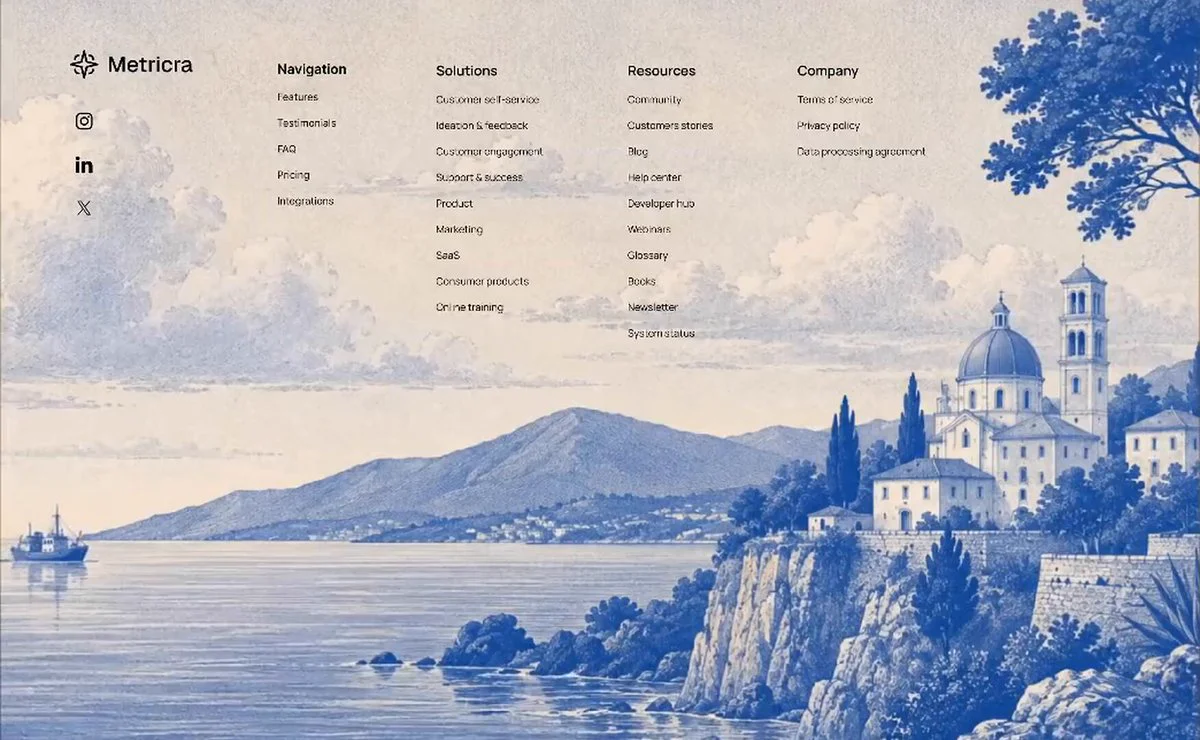
On October 25, 2026, Elaya (@elayadesigns) said in an X post that the custom AI designer skill was open source. The linked GitHub repository, elayadesign/ai-design-skills, is an MIT-licensed collection of design skills for AI coding tools.
Image source: Elaya (@elayadesigns)
Image Credit: Elaya (@elayadesigns)
The collection consists of self-contained markdown (.md) rules files for AI coding tools.
Included Skills and Core Components
The repository adopts a modular folder structure, allowing developers to install only the specific rules they need for their workflow.
landing-page-design: Guides building a landing page from scratch, covering intake questions, structural layout, conversion-focused copywriting, and a complete visual system spanning typography, spacing, border radius, and motion.design-to-motion: Specifies how to turn a static design into a pixel-exact animated showcase featuring an empty-to-loaded sequence, looped motion, an untouched background, and output targets comprising an MP4 for X, a website, and 800×500 GIFs.- Attribution and Credits: The
landing-page-designmodule incorporates content realism principles and motion ideas from Leon Lin'staste-skillrepository, with proper licensing acknowledgments documented in the repository.
Installation and Tool Integration Paths
Installation follows each tool's documented project-rules path:
- Claude Code: Clone the repository and copy the target skill folder into
.claude/skills/, then invoke it in plain language. - Cursor: Download the skill's
SKILL.mdfile into.cursor/rules/or paste its contents directly into Settings → Rules for AI. - Codex / Windsurf / Cline: Copy the skill's
SKILL.mdtoAGENTS.md,.windsurfrules, or.clinerulesrespectively, or paste it into a generic system prompt.
Each skill keeps its design values—fonts, colors, spacing, and motion—in one section near the bottom of the file. Forking the repository and editing that section updates the rest of the skill.
Sources
- GitHub Official Repository: elayadesign/ai-design-skills
- Project Announcement X Post: Elaya (@elayadesigns) October 25, 2026 X Post