whiteboard-animator: Open-Source Engine Turning Static Sketches into Hand-Drawn Animations
An overview of whiteboard-animator, an open-source Python engine that deconstructs static sketches and renders hand-drawn whiteboard animations synced to audio.
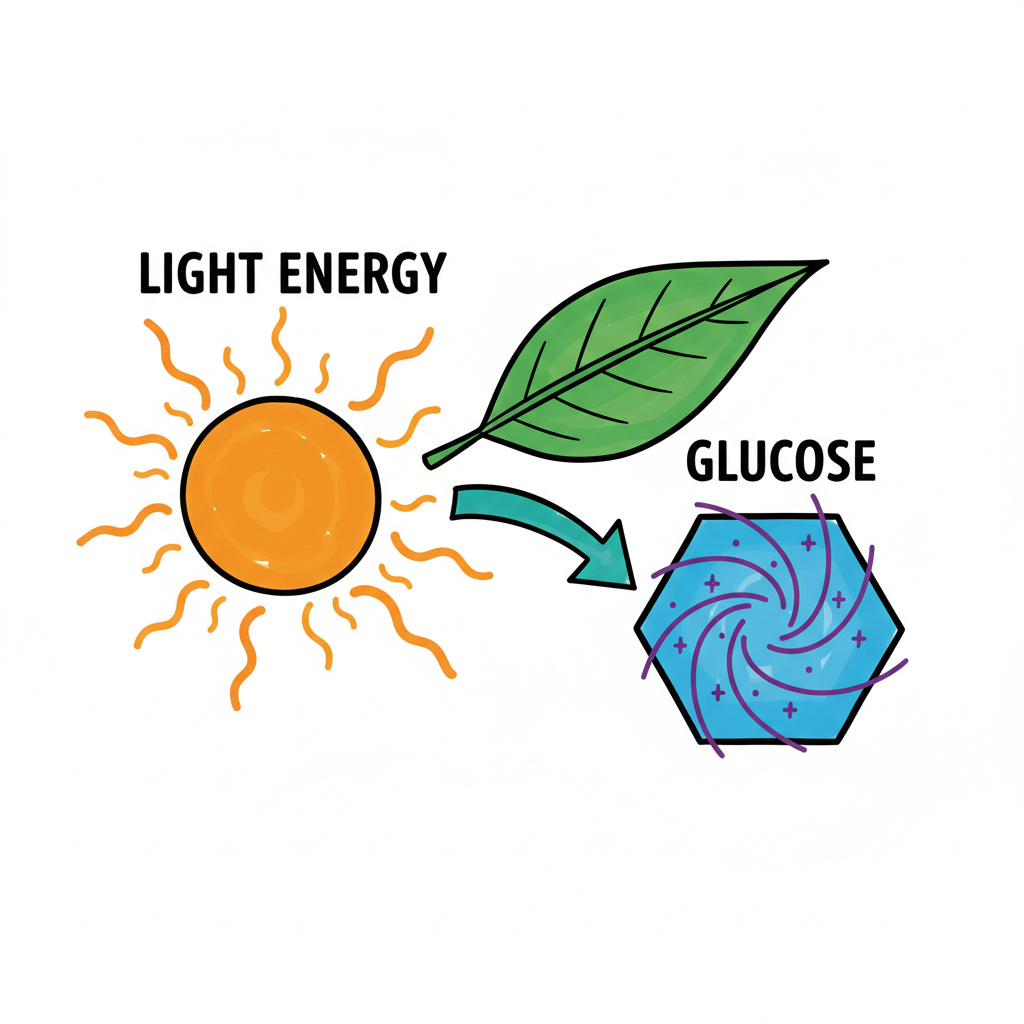
A new open-source Python engine, whiteboard-animator, has been released to convert static whiteboard sketches and diagrams into dynamic hand-drawn video animations that recreate the natural pacing of a person drawing with a marker pen. It is designed to help educators, technical communicators, and video creators automate the creation of engaging whiteboard explanatory videos without relying on proprietary, closed-source authoring suites.
Image source: Masih Sultani / whiteboard-animator (GitHub)
Producing whiteboard animation videos has traditionally required specialized desktop software, manual keyframe placement, or expensive subscription platforms. whiteboard-animator provides a programmatic, automated alternative by analyzing static input images, breaking down strokes, text elements, and fill regions, and reconstructing a frame-by-frame drawing process that reflects natural human drawing habits.
Deconstructing Static Images and Modeling Natural Human Stroke Order
The core capability of whiteboard-animator lies in its visual parsing and procedural rendering pipeline tailored for whiteboard-style artwork.
- Stroke Decomposition and Element Detection: The engine analyzes the visual components of a static input image, identifying ink paths, text labels, outer contours, and solid color blocks. Rather than applying a simple directional reveal or fade mask, it generates a procedural drawing sequence where the marker stroke unfolds across successive frames.
- Modeling Natural Handwriting Habits: Human drawing follows intuitive hierarchical patterns that the engine explicitly models. It traces container boundaries before populating internal elements, completes geometric contours before lettering descriptive labels, and starts directional strokes like checkmarks and V-shapes from their top vertices.
- Progressive Brush Fills: Shaded areas and solid regions are filled stroke-by-stroke after their bounding perimeters are completed, mirroring the visual cadence of hand-drawn marker fills.
Audio Narration Synchronization and Multi-Clip Video Pipelines
Beyond standalone visual rendering, whiteboard-animator includes native audio synchronization designed for lecture and explainer production.
- Automatic Audio Alignment: When a voiceover audio file is provided alongside the illustration, the engine automatically calculates the required frame count and aligns the drawing speed to match the duration of the audio narration.
- Audio Completion Pauses: If the drawing finishes before the speaker completes the spoken explanation, the engine freezes on the final rendered frame, holding visual continuity until the audio track concludes.
- Multi-Clip Sequencing: Users can chain multiple diagram images and corresponding audio tracks in sequence, stitching them into a unified video presentation or technical lecture without manual post-editing.
Installation, Optimal Illustration Styles, and Current Considerations
whiteboard-animator is packaged as a standard Python library, making it straightforward to embed into existing content generation and rendering pipelines.
- Package and License: Released under the permissive MIT license, the package is distributed on PyPI as
whiteboard-animator(version 0.1.0) and can be installed viapip install whiteboard-animatorfor immediate use in scripts. - Optimal Art Style: The engine is optimized specifically for flat marker-style illustrations on clean white backgrounds, featuring bold outlines and distinct color fills.
- Limitations and Caveats: Complex photographic images, gradients, or heavily textured artwork may produce erratic stroke tracing and less coherent drawing sequences. For best results, clean vector-style diagrams, icons, and clearly outlined line art are strongly recommended.
For developers and creators building automated lecture pipelines or technical explainer tools, whiteboard-animator offers a lightweight, flexible, and open-source foundation for programmatic whiteboard video generation.
Sources
- whiteboard-animator GitHub Repository (masihsultani): Official open-source repository containing rendering algorithms, sample diagram assets, and MIT license documentation.
- GitHub Daily Announcement (@GitHub_Daily): Release announcement showcasing procedural stroke deconstruction and audio-aligned hand-drawn reveal animations.
- whiteboard-animator on PyPI: Official Python package release, installation instructions, and CLI invocation syntax.