Optimizing Smart TVs with Claude Opus 5.5 and Structured ADB Prompts
Learn how to safely clean up smart TV interfaces, disable ad bloat, and deploy open-source apps using Claude Opus 5.5, Claude Code, and reversible ADB controls.
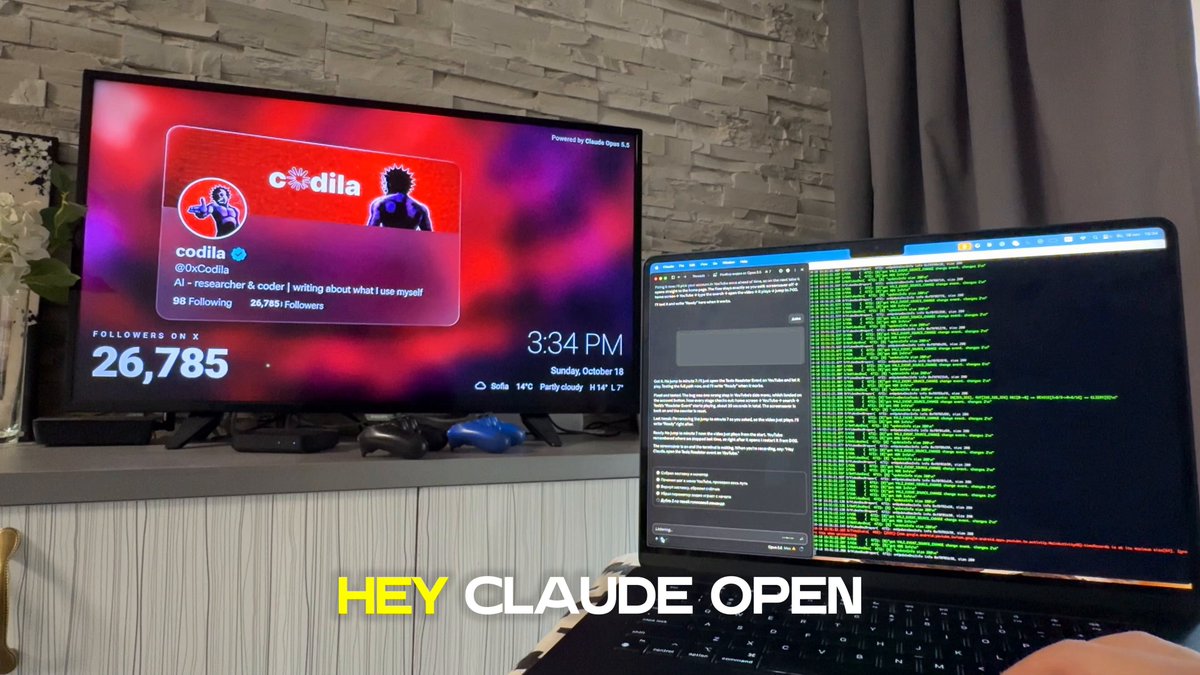
Image source: @0xCodila / X
Smart television home screens have gradually become cluttered with sponsored content rows, aggressive recommendation feeds, and vendor-installed background services that degrade system performance. Technical creator @0xCodila shared a structured method leveraging Claude Opus 5.5 and Claude Code to safely inspect, clean, and optimize television hardware across a local Wi-Fi connection. Tested on a 2017 display, the original author demonstrated that significant interface responsiveness can be restored within minutes by pairing language model reasoning with official Android Debug Bridge (ADB) commands, strictly avoiding destructive rooting or unofficial firmware modifications.
Establishing Local Connectivity and Device Discovery
According to the published guide, the optimization workflow begins by connecting the host computer and target television to the same local Wi-Fi subnet. The user supplies Claude Code with a specific initialization prompt alongside a photograph of the TV hardware or its 'Settings → About' menu. Claude inspects the image to identify the underlying operating system. If the device does not run Android TV, Google TV, or Fire TV platforms, the model is directed to identify and adhere strictly to whatever official local-network control APIs the specific platform permits.
Once an Android-based system is confirmed, ADB is verified from official distributions. Claude outputs precise remote-control navigation instructions to reveal hidden developer menus, toggle USB or wireless debugging modes, and retrieve the assigned local IP address. When the user approves the pairing authorization prompt displayed on the television screen, physical remote intervention ends. For network anomalies such as connection refusals, wireless pairing protocols are engaged; on macOS hosts, network routing errors are mitigated by ensuring terminal permissions allow local network discovery.
Reversible Cleanup Rules and Interface Acceleration
Safety through absolute reversibility forms the central constraint of @0xCodila's implementation. Prior to executing state alterations, the assistant must archive the full active package inventory, catalogue every target setting, and generate explicit undo rollback commands. The cleanup strategy strictly prohibits permanent package uninstallation: candidate apps associated with advertising banners, recommendation widgets, feedback telemetry, and retail demonstrations may only be transitioned to a disabled state upon explicit user confirmation.
Crucially, system-critical components remain untouched throughout the routine. The prompt explicitly forbids modifying television provider applications, live broadcast tools, primary launchers, Google Play Services, virtual keyboards, input engines, or any unverified system packages. To improve visual navigation speed, window and transition animation scales are set to 0.5, while network-level ad suppression is configured via private DNS directed to AdGuard DNS endpoints. Any supplemental software, such as the open-source TV Bro web browser, is retrieved exclusively from verified official GitHub releases rather than third-party app stores.
Interface Verification and Operational Boundaries
Execution reliability is maintained through automated interface checks, utilizing UI automator dumps or frame captures to verify screen states before committing virtual keypresses, including handling multi-user account selection dialogs. The author explicitly notes a technical caveat: captured frames during active media playback render completely blank due to standard hardware DRM enforcement. Operational transparency is maintained through a live monitor displaying timestamped execution lines and scoped logcat logs.
Strict security boundaries govern the entire routine: the model is barred from handling personal credentials, typing passwords, or accessing pirated repositories. Root privileges and permanent flash alterations are prohibited. Upon completion, the environment produces an actionable cheat sheet containing operational summaries alongside complete reversal commands, ensuring the appliance can be returned to its factory default state at any time.