SceneFlow v2.3.0: Open-Source Script and Video Sync Workspace for AI Filmmaking
A breakdown of SceneFlow v2.3.0, an open-source workspace comparing screenplay cues with AI video in real time to analyze prompt adherence and visual pacing.
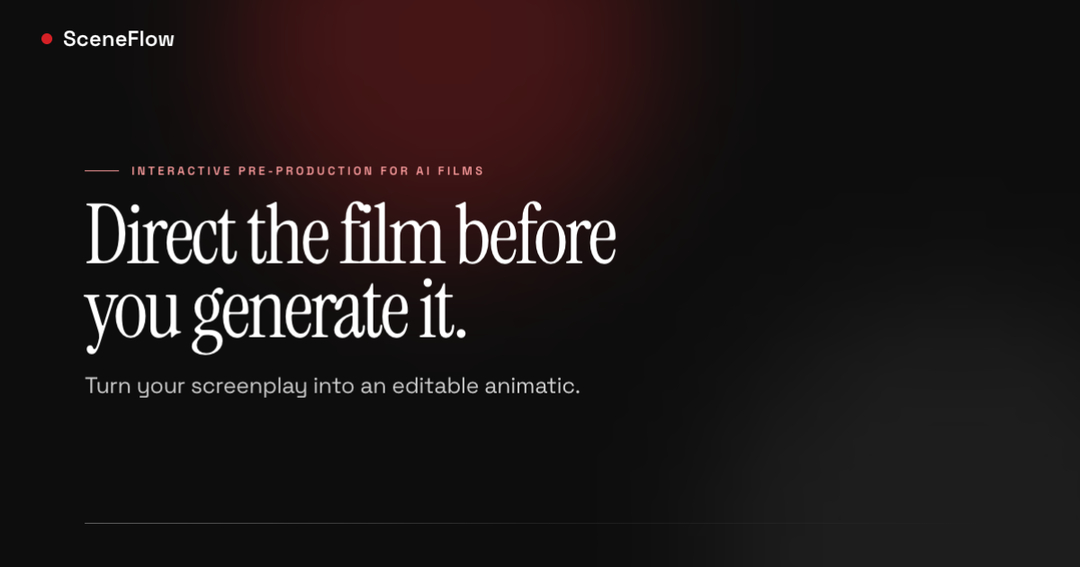
SceneFlow, an open-source playback workspace designed to track and cross-reference screenplay cues against generated video in real-time pipelines, has officially released its v2.3.0 update. The new release introduces a multi-track sync timeline and specialized blending features for non-linear editors (NLEs), aiming to streamline how directors and editors inspect prompt adherence and visual pacing in AI filmmaking workflows.
Image source: SceneFlow (sceneflow.camera)
While conventional non-linear editing software focuses primarily on manual timeline assembly and multi-clip cutting, SceneFlow addresses the distinct verification bottleneck that emerges when working with generative foundation models. By aligning structured screenplay prompts with incoming synthetic video clips, it provides a dedicated playback environment for diagnosing prompt drift, continuity breaks, and rhythmic mismatches across scenes.
Real-Time Script Cue Tracking: Multi-Track Sync Timeline Architecture
The core enhancement in SceneFlow v2.3.0 is the introduction of the Multi-Track Sync Timeline, creating a unified workspace where textual screenplay directions and video streams run in synchronized parallel lanes.
- Horizontal Lanes and Continuous Timecode Ruler: Screenplay action lines, character dialogue, and staging cues are mapped onto dedicated horizontal lanes beneath the main display. A continuous timecode ruler allows creators to pinpoint the exact millisecond boundaries of individual AI clips and track how closely visual transitions match narrative cues.
- Fixed 35% Playhead Navigation: During playback, the playhead remains anchored at the horizontal 35% mark while the timeline canvas scrolls smoothly underneath. This persistent offset provides editors with immediate forward visibility, allowing them to anticipate upcoming script cues, dialogue handoffs, and camera transitions before they hit the current frame.
- One-Touch Zoom Presets (4s / 8s / 16s): To match standard generation output durations from prominent AI video foundation models, SceneFlow integrates quick-toggle zoom presets calibrated to 4-second, 8-second, and 16-second intervals for rapid scale inspection.
This structured alignment enables visual supervisors to evaluate whether generative video outputs stay strictly faithful to prompt instructions and scene timing during continuous playback.
Docked Inspector and Collapsible Video: One-Click Replay and Audio Continuity
To support intensive quality control and iterative asset review, SceneFlow v2.3.0 redesigns its inspection panels and canvas toggling capabilities.
- Docked Inspector & VU Meter: The right-hand inspector panel includes a dedicated one-click replay function, allowing immediate looping of subtle frame anomalies, prompt dropouts, or motion artifacts without resetting the main playback sequence.
- 8-Slot Category LED Strip: Prompt components—including scene background, character consistency, camera motion, lighting setup, and physical actions—are mapped across an 8-slot category LED strip, providing an instant visual diagnosis of prompt compliance.
- Collapsible Video (Shortcut V): When logging cues or recording the timeline interface for production documentation, users can press the V shortcut to collapse the video player canvas. Crucially, background audio continuity is preserved without interruption, ensuring that sound design and pacing rhythm remain intact.
Professional NLE Overlay Blending and Studio Pipeline Placement
SceneFlow is purposefully designed to integrate into existing post-production pipelines rather than attempting to replace established NLE platforms.
- True #000000 Pure Black Canvas: The workspace renders its interface canvas in true pure black (
#000000). When screen captures or exported timeline passes are imported into Adobe Premiere Pro or DaVinci Resolve, editors can apply Screen or Lighten blend modes to instantly drop out the black background, overlaying the synchronized script cues directly over the mastered video edit. - Accessibility and Interface Layout: The release includes a CVD Safe Mode to assist color-vision-deficient users in distinguishing indicator alerts across Protanopia and Deuteranopia profiles, alongside an adjustable split-screen workspace defaulting to a 65:35 canvas-to-inspector ratio.
- Pipeline Scope: Rather than competing with comprehensive editors like Premiere Pro or DaVinci Resolve, SceneFlow functions as a targeted open-source companion designed specifically to solve prompt verification and synchronization bottlenecks in generative cinema workflows.
Sources
The technical specifications, feature overview, and demonstration workflows for SceneFlow v2.3.0 are documented across the project's official release announcement, creator demonstration, and platform portal:
- Official SceneFlow Release Announcement by @tarumainfo: SceneFlow v2.3.0 Release on X
- Official Platform Portal & Pre-Production Overview: SceneFlow — Direct the film before you generate it
- Workflow Application Scope: Screenplay Pre-Production & Animatic Visualization Guide