Cutting Shorts Narration Costs with Microsoft Clipchamp's Free AI Voice: Practical Tips
Learn how to leverage Microsoft Clipchamp's built-in, free text-to-speech (TTS) tool in Windows to generate multilingual voiceovers for YouTube Shorts and Reels
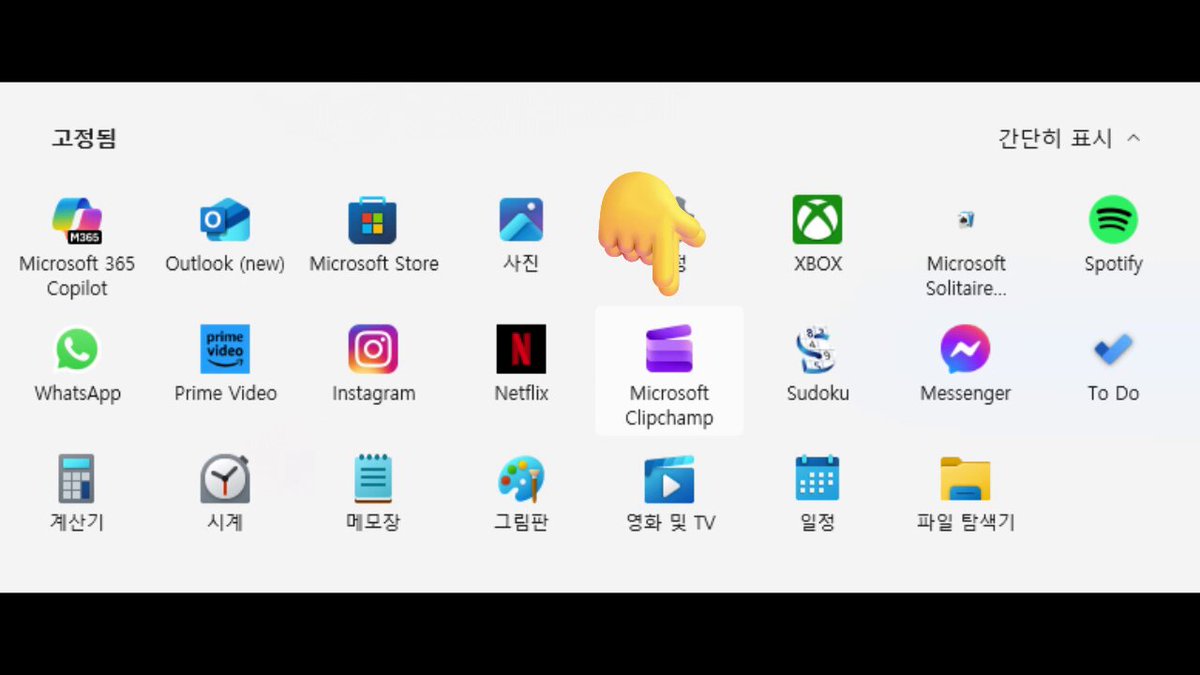
If you are paying recurring monthly subscription fees for third-party AI voice platforms just to narrate YouTube Shorts or Instagram Reels, there is a good chance your existing operating system already includes a capable free alternative. On October 14, 2026, X (formerly Twitter) creator TUKI (@Ty_Tuki0609) shared a practical cost-saving tip highlighting the built-in Text-to-Speech (TTS) engine in Microsoft Clipchamp, which enables creators to generate and place AI narration directly onto video timelines without paid subscriptions.
Image source: TUKI (@Ty_Tuki0609) / X
While many creators turn to paid audio platforms for voiceovers, straightforward voice generation for regional and global short-form content can be completed quickly using pre-installed Windows software. Clipchamp is pre-installed on Windows 11 machines and accessible free of charge via the Microsoft Store and modern web browsers, eliminating initial setup barriers.
A 4-Step Text-to-Speech Workflow in Clipchamp
The step-by-step workflow detailed by the creator is organized into four intuitive stages:
- Enter Text: Open the text-to-speech feature within Clipchamp and input the narration script for your short-form video.
- Select Language and Voice: Choose from a broad array of supported languages—including Korean, English, Japanese, Chinese, Spanish, French, and Hindi—and select an available voice option for the chosen language.
- Adjust Speed and Pitch: Fine-tune the speech speed and voice pitch controls to align speech tempo and character with the pacing of your video.
- Insert Directly into Timeline: Place the generated audio clip directly onto the video timeline track.
The original author noted that thanks to this straightforward generation process, the tool is well-suited not only for Korean-language videos but also for producing multilingual voice tracks aimed at international audiences. In follow-up remarks, the creator also noted that Clipchamp's lightweight process pairs smoothly when combined with tools like Astra.
Practical Advantages and Key Operational Caveats
While Clipchamp's built-in voice generator provides clear cost benefits over dedicated commercial platforms, creators should evaluate several practical constraints:
- Zero-Cost Multilingual Synthesis: Built into Microsoft Clipchamp, the free AI voice generation feature provides speech across multiple global languages, making it well-suited for informational shorts and tutorials without added subscription costs.
- Nuanced Emotion and Breathing Limitations: Unlike specialized voice synthesis suites such as ElevenLabs, Clipchamp has limitations in audio tag controls for fine-grained breathing cues or dynamic dramatic emotional shifts. It performs best for clean, steady explanatory voiceovers rather than nuanced acting.
- Timeline-Integrated Workflow: Generated speech clips are tied directly to the Clipchamp timeline. Creators seeking standalone audio files (MP3/WAV) for external video editors must perform an extra export step.
- Advanced Features and 4K Tiering: While basic AI voice generation is available on the free tier, advanced features such as 4K video rendering and select premium filters may require a Microsoft 365 or Clipchamp Premium subscription.
Original source
- TUKI (@Ty_Tuki0609) on X: 2026-10-14 Shorts Narration AI Voice Tip Thread