4 Ergonomic Chair and Desk Setup Rules for Desk Workers
A practical guide to ergonomic chair and desk adjustments to distribute spinal load: knee angle, 3–5 cm seat depth clearance, relaxed armrest and monitor height
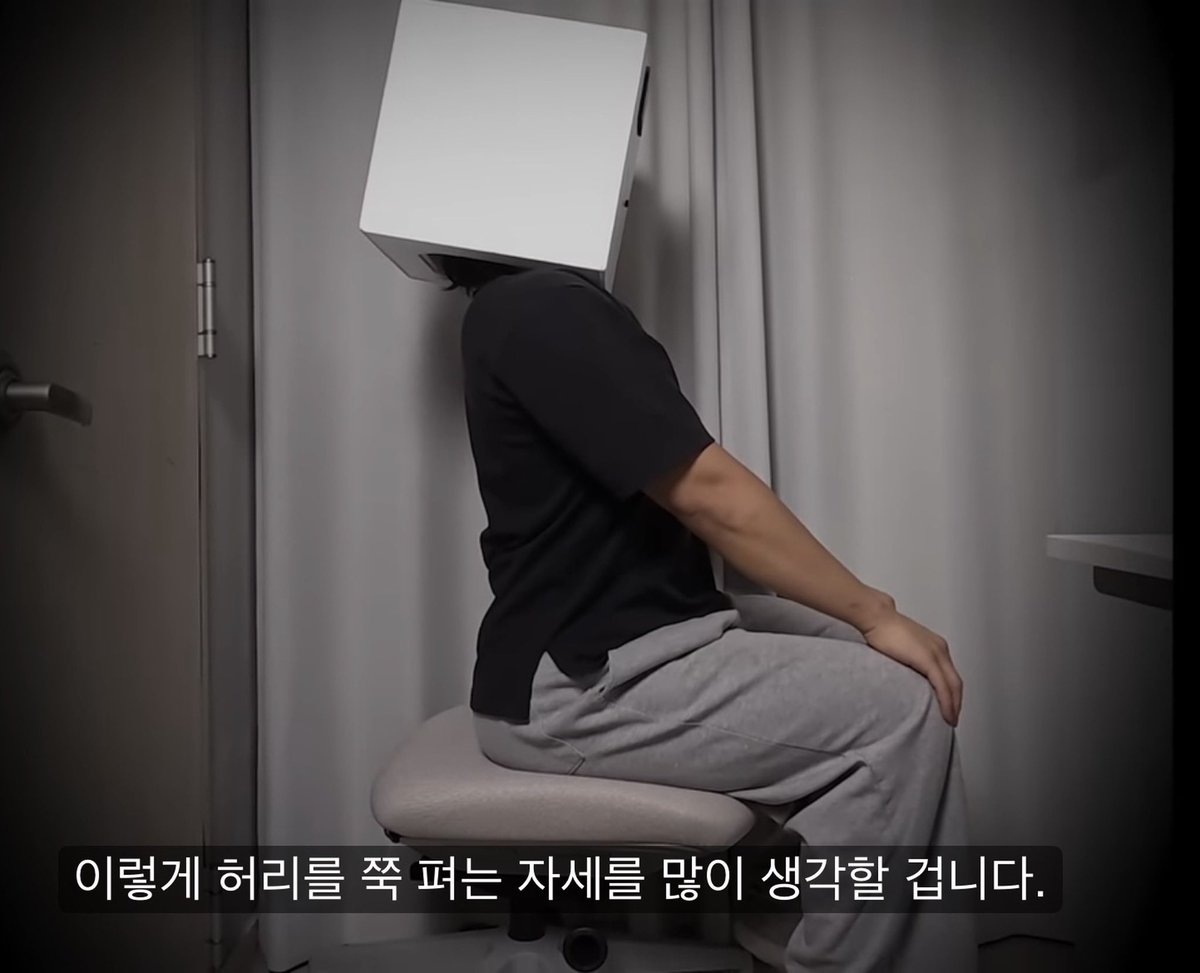
On October 15, 2026, X user H (@hmmmmmm1458) shared an ergonomic chair and desk setup guide on X for computer users spending long hours seated, focusing on redistributing spinal pressure and preventing lumbar collapse.
Image source: @hmmmmmm1458 on X
Many desk workers attempt to maintain "good posture" by consciously arching or stiffening their lower back. However, the author cautions that forcing the spine upright through deliberate muscular tension actually exacerbates back strain. Because sitting inherently concentrates upper-body weight directly onto the lumbar spine, proper ergonomic adjustments across the chair and desk are necessary to passively distribute body weight and avoid chronic fatigue.
1. Knee Height: Keeping Knees Lower Than Hips to Prevent Lumbar Rollback
The first adjustment rule centers on setting chair height relative to the pelvis and knee joints.
- Relative Knee Position: When seated, adjust the seat height so that your knees sit lower than your hips.
- Preventing Lumbar Rollback: If your knees are positioned higher than your hips, the lumbar spine is prone to rolling back. Keeping your hips higher than your knees helps relieve concentrated pressure on the lower back.
2. Seat Pan Depth: Ensuring a 3–5 cm Gap Behind the Knees
The second rule focuses on adjusting the seat pan slider to relieve pressure behind the knees and support comfortable seating.
- Two-Finger Clearance: When adjusting seat depth, ensure a 3–5 cm gap—approximately the width of two fingers—between the front edge of the seat cushion and the area behind your knees.
- Research-Backed Standard: Studies across prominent institutions commonly highlight this clearance. Adjusting seat pan depth to maintain this space prevents undue pressure behind the knees and supports stable posture.
3. Armrest and Monitor Height: Relieving Shoulder Tension and Eye-Level Alignment
The third rule coordinates armrest and screen height to reduce upper-body fatigue and neck strain.
- Armrest Height: With shoulders and arms naturally relaxed, set the armrests so your arms are comfortably supported without strain.
- Monitor Eye Level: Position the display so your natural resting gaze aligns with the top one-third of the screen.
4. Headrest Positioning: Supporting the Lower Cervical Spine, Not the Occiput
The fourth rule addresses the headrest to maintain healthy neck alignment.
- Cervical Support Target: Rather than placing the headrest against the back of the skull (occiput), align it against the back of the neck to support the lower cervical spine.
- Relieving Neck Strain: Supporting the lower cervical area rather than pressing against the back of the head helps relieve chronic strain on the neck during extended sitting.
Ergonomic Hardware Adjustments and Workplace Setup
The author noted that workers spending long hours at a computer—whether working from home all day or spending evenings at a PC—benefit from investing in a quality ergonomic chair that directly interfaces with the body.
Using an ergonomic chair with granular adjustability—such as the Renif Uniback Chair Pro highlighted in the creator's video, which supports 1 cm incremental adjustments for seat pan depth, armrest position, and headrest—enables users to dial in support tailored to their personal body proportions.
Original source
- X (@hmmmmmm1458): Ergonomic Chair and Desk Posture Setup Guide (2026-10-15)
- YouTube: Full Chair Setup Video