dsh-our-free-model Plugin: Free DeepSeek V4.1 Flash and Kimi K3 Local Integration Guide
The dsh-our-free-model plugin integrates DeepSeek V4.1 Flash and Kimi K3 into DeepSeek Harness via local OpenAI-compatible endpoints without keys. Here is the s
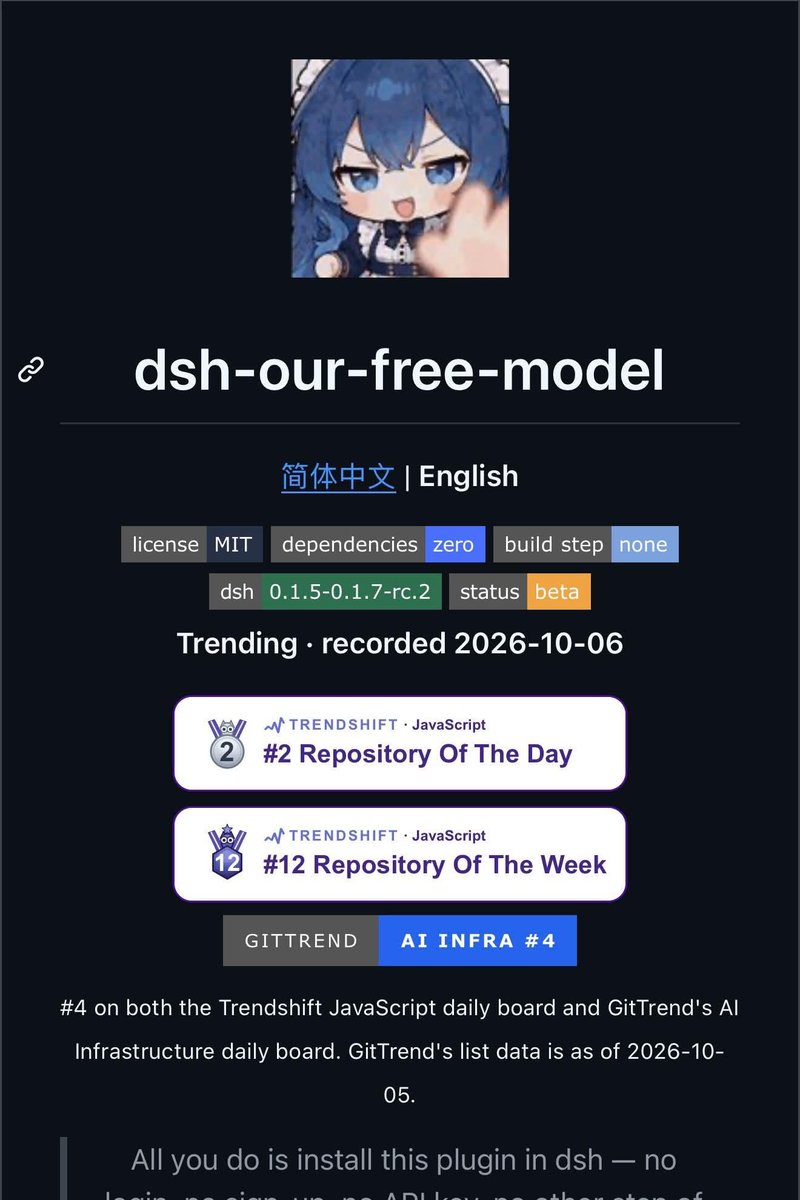
The open-source plugin dsh-our-free-model has gained notable attention in the developer community for enabling access to DeepSeek V4.1 Flash and Kimi K3 models within the DeepSeek Harness (dsh) environment without requiring account registration or API keys.
Image source: @Rivonn
Developers with an existing dsh CLI or web setup can test DeepSeek V4.1 Flash and Kimi K3 directly from their model picker immediately after installing the plugin.
Core Features and Architecture
dsh-our-free-model operates according to the DeepSeek Harness plugin specification and includes the following architectural features:
- Free Model Provisioning: Automatically registers DeepSeek V4.1 Flash and Kimi K3 in the dsh model selection picker.
- Dynamic Model List Upgrades: Refreshes the available model catalog dynamically from upstream endpoints rather than relying on a static, hardcoded list.
- Local OpenAI-Compatible Forwarding Port: Exposes a local proxy port compatible with the standard OpenAI API specification, making it straightforward to connect with external developer tools and workflows.
- Local Usage Statistics: Keeps all request counters and token statistics strictly on the local machine without external telemetry.
- Compatibility and License: Released under the MIT license and built specifically for dsh versions 0.1.5 through 0.1.7-rc.2.
Setup and Installation
Using this plugin requires a functional installation of DeepSeek Harness (deepseek-harness).
-
Clone the Repository: Clone the plugin source code from GitHub:
git clone https://github.com/Ebony-Vinyl/dsh-our-free-model -
Register the Plugin Profile: Add the local path of the plugin to your desired profile (e.g.,
web) using the dsh CLI:dsh plugin --profile web add /path/to/dsh-our-free-model -
Restart Runtime and Select Model: Restart the dsh service and choose DeepSeek V4.1 Flash or Kimi K3 from the model picker.
Security Considerations and Traffic Limitations
While this integration offers convenient, keyless access, several technical limitations and security factors should be noted before deploying it in work environments:
- Public Gateway Routing: The plugin does not route directly to official DeepSeek or Moonshot endpoints; instead, prompts travel through OpenCode Zen and Kilo public gateways.
- Prompt Logging and Data Sensitivity: According to Kilo's policy, prompts may be logged for service improvement. Users should strictly avoid sending private source code, API keys, credentials, or sensitive data.
- Traffic and Availability Caps: Because traffic runs across shared public lanes, heavy usage spikes can trigger
429 Too Many Requests(Rate Limit) errors, and certain regional restrictions may return403 Forbiddenresponses.
Sources
- GitHub Repository: Ebony-Vinyl/dsh-our-free-model
- Official DeepSeek Harness Repository: deepseek-ai/deepseek-harness
- Rivon (@Rivonn) Announcement on X: Post on Oct 9, 2026 (Status 2108416734894100918)