Optimizing Legacy Prompts and CLAUDE.md for Opus 5.5 Standards in Claude Code
A practical tip shared from Anthropic engineering insights: use the Claude Code /claude-api prompt-audit command to inspect legacy prompts, clean up bulky rule
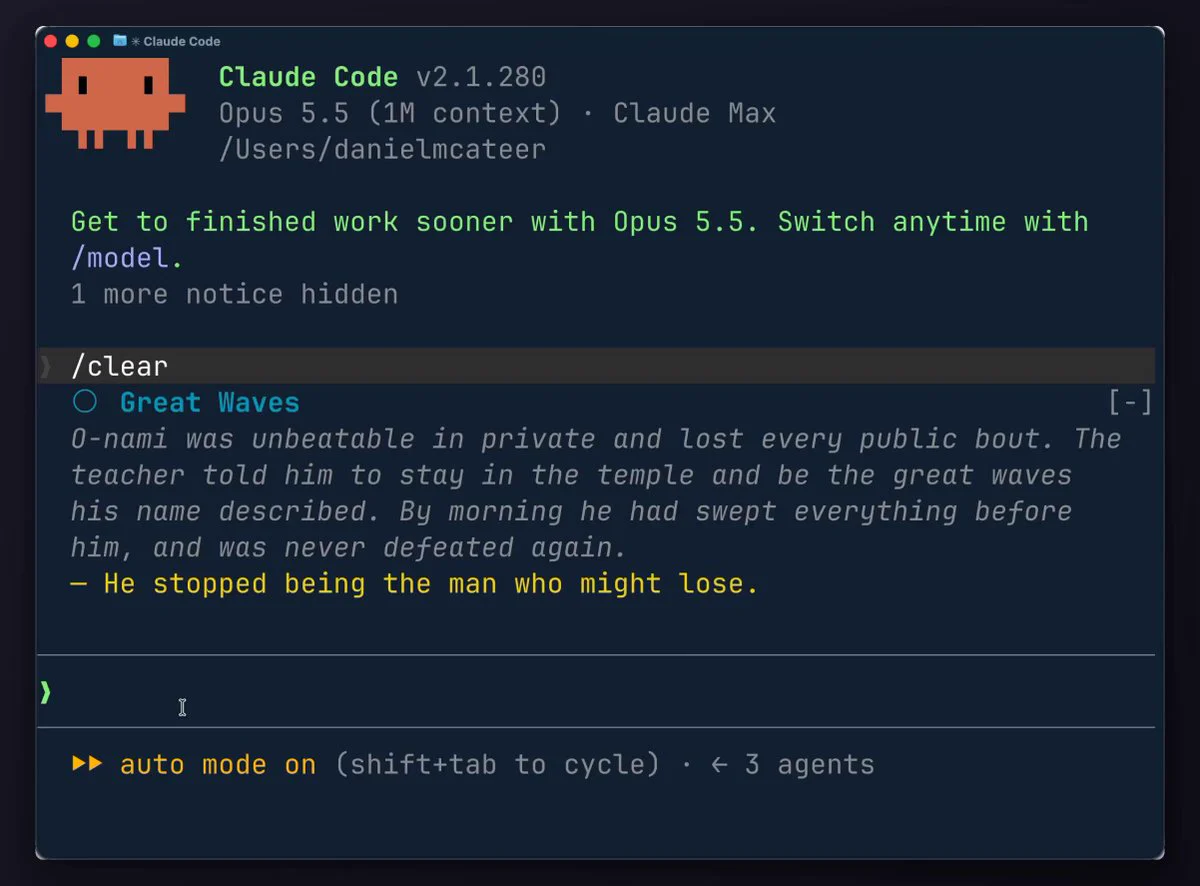
According to developer insights shared on X referencing an Anthropic engineer's workflow, you can instantly audit and streamline legacy prompts and bloated configuration files to match the latest Opus 5.5 standards using a simple built-in command inside the Claude Code terminal. Verified by community developers including @angeldot_, this method clears out hundreds of lines of outdated rules in minutes, boosting model response accuracy and processing speed.
Image source: @angeldot_ (via X)
Running the /claude-api prompt-audit Command
Launch your Claude Code terminal interface and execute the following built-in command:
/claude-api prompt-audit
This command comprehensively scans your project's custom skills, the CLAUDE.md configuration file, and scattered prompt structures. It identifies factors that degrade model token efficiency or disrupt response flow, rewriting them according to official guidelines.
Best Practices and Caveats
When batch-cleaning legacy prompts and extensive configuration rules, observing a few verification steps prevents unintended data loss:
- Back Up Before Running: Always make a git commit or save a backup copy of your
CLAUDE.mdbefore running the audit. Sometimes rules that the cleaner considers "slowing down the model" include edge-case fixes or special constraints you intentionally added months ago to patch a real bug. - Review the Diff First: Explicitly request the tool to display changes and wait for your confirmation before overwriting files, ensuring you retain full control over your configuration rules.
Original Source
- X (@angeldot_): Anthropic Engineer's Opus 5.5 Prompt Optimization Tip