Inspecting Deleted iPhone Photo Caches in Local Mac Backups Using Claude Code
A prompt walkthrough by developer @0xForem on making an unencrypted local iPhone backup on Mac and using Claude Code to audit leftover PhotoData thumbnails and
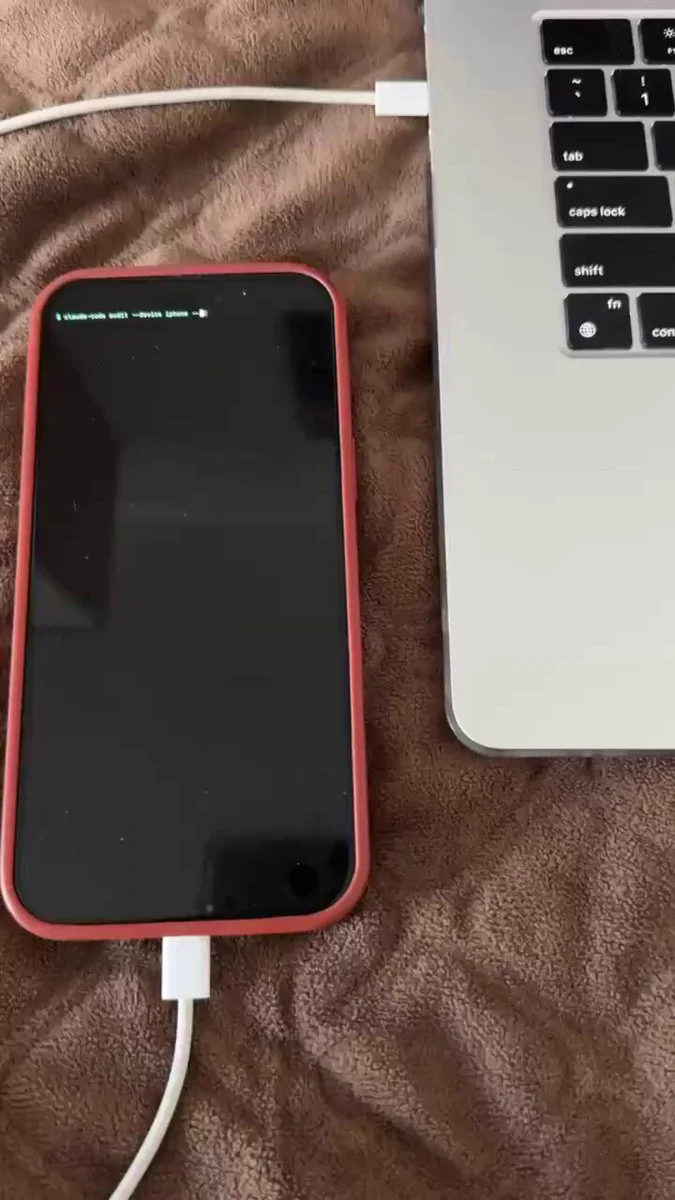
According to a security audit tip shared by developer and creator @0xForem on X (formerly Twitter), making an unencrypted local backup of an iPhone on a Mac allows you to inspect backup contents and discover whether deleted photos and screenshot thumbnails persist in hidden caches.
When you delete photos on an iPhone and clear the "Recently Deleted" folder, iOS often retains compressed copies and thumbnails for Spotlight search caching and system indexing. While running a security check with Claude Code during a routine local MacBook backup, @0xForem flagged a directory called PhotoData/Thumbnails containing thousands of files, including screenshots, banking app captures, and photos deleted years prior.
Image source: @0xForem on X
This tip outlines the prompt workflow used to safely inspect local backups for leftover deleted photo caches without altering the source backup files.
Local Backup Inspection Prompt Workflow
Analyzing backup data should always be performed read-only to ensure the source backup remains unmodified. Below are the steps from the prompt used by @0xForem:
- Locate Backup: Find the newest backup folder in
~/Library/Application Support/MobileSync/Backup/and confirm it is unencrypted by checkingManifest.plist. - Examine Database: Open
Manifest.dbwithsqlite3and list every file whose relative path containsPhotoData,Thumbnails,DCIM, orPhotos.sqlite, grouped by folder counts. - Query Trash State: Copy
Photos.sqliteto a temporary folder and query theZASSETtable for items whereZTRASHEDSTATE = 1(Recently Deleted) to review filenames, dates, and media types. - Export Artifacts: Copy every thumbnail and media file discovered into
~/Desktop/photo_audit/, preserving original names using the internal backup fileID hash paths. - Print Summary: Output a summary reporting total files found, items in Recently Deleted, thumbnail counts, and the oldest and newest dates.
Security Best Practices
This audit should be conducted strictly against a local unencrypted backup, ensuring no modifications are made to the live phone or original backup files. Additionally, reviewing iOS app permissions under Files and Folders access is strongly recommended to revoke unused or unnecessary third-party permissions.