Antigravity CLI 1.3.3: Practical Tips for the New Features
A faithful walkthrough of the Antigravity CLI 1.3.3 highlights shared by Shengzhe (@shengzheyao): sticky prompt header, /plugin installs, default medium verbosi
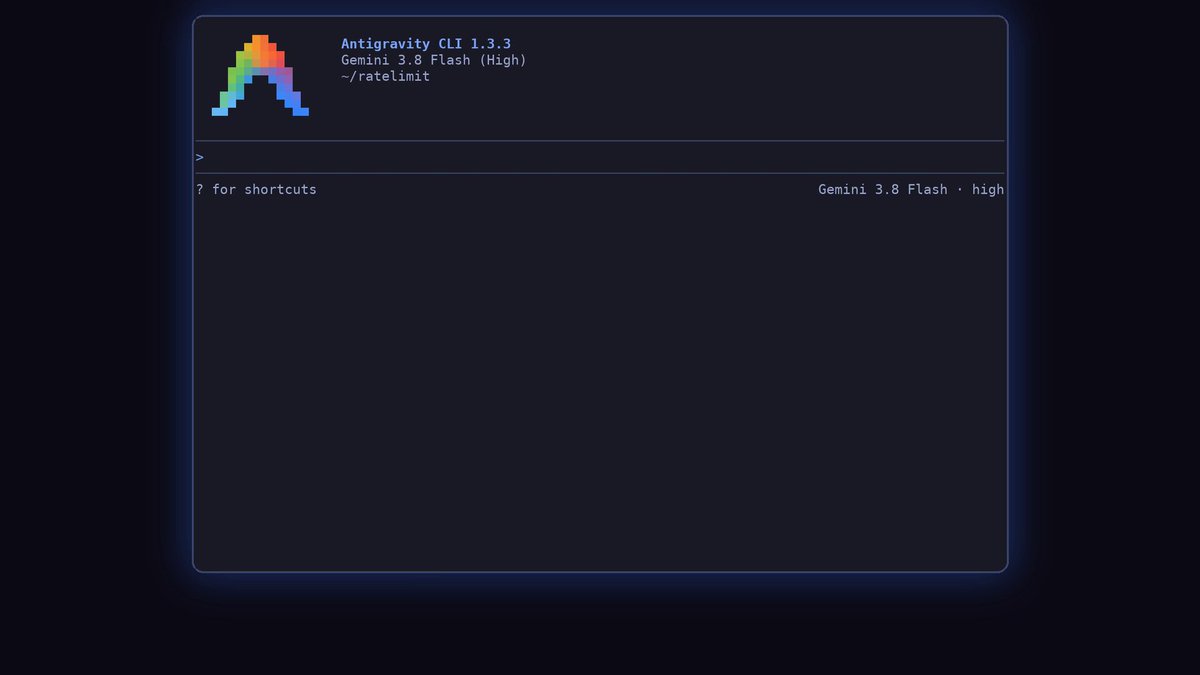
This is a practical tip faithfully translated from the Antigravity CLI 1.3.3 introduction post published on 2026-10-10 by the original author Shengzhe (@shengzheyao). It covers the five changes he picked as favorites since his last post, in the original order.
Image source: @shengzheyao/X
The scope is limited to the five items the author wrote himself. This is not the full release note or an install guide — only the favorites named in the source.
Pin the prompt with the sticky header
In no-flickering mode, the question you asked stays pinned at the top while you scroll through long responses. Click it to jump right back to the question.
- Setting path:
/settings→Rendering Mode→no flickering - It keeps the question in view while you move up and down long runs.
- Replies to the post corroborate that the sticky header is useful.
Browse and install plugins with /plugin
The command for discovering and installing plugins is /plugin. According to the source, a single plugin can bundle skills, MCP servers, subagents (agents.json), and rules & hooks.
agy plugin install <name>
- Replace
<name>with the plugin you want. - The source presents browsing and installing as one command flow, with no extra steps added.
Read long runs in default medium verbosity
Version 1.3.3 uses medium verbosity by default. It groups related tool calls and thoughts into clean summaries so long runs stay readable.
- The stated goal is readability over long executions.
- The source describes this as the default behavior and names no toggle flag.
Smoother /diff for everyday TUI work
The source lists a smoother /diff as a TUI ergonomics improvement, in a single line with no numbers or comparison screenshots.
- It targets reviewing long diffs inside the terminal.
- Without overstating: a feel-level, one-line improvement.
Eagerly load MCP tools
The one-line setting for loading MCP tools eagerly is the _meta snippet from the source:
_meta: {"antigravity/alwaysLoad": true}
- Put that
_metavalue in the MCP configuration as written. - The source introduces it only as "Eager MCP tools" and adds no scope notes or caveats.
Original source
- Original post by Shengzhe (@shengzheyao): Antigravity CLI 1.3.3 is out!