Anthropic's 8 Job-Specific Claude Prompts: Workflow Automation Tips and Claude Code Integration
AI developer Anthropic has released 8 job-optimized Claude prompts for free. Explore how to integrate them into Claude Code to automate repetitive tasks and pra
AI developer Anthropic has recently released a curated set of eight Claude prompts tailored for specific professional roles. According to updates from automation creators on X (formerly Twitter) such as @unjeon_auto, these prompts allow users to tackle extensive weekly tasks overnight simply by feeding their work context into Claude, bypassing the need for complex setup or paid courses.
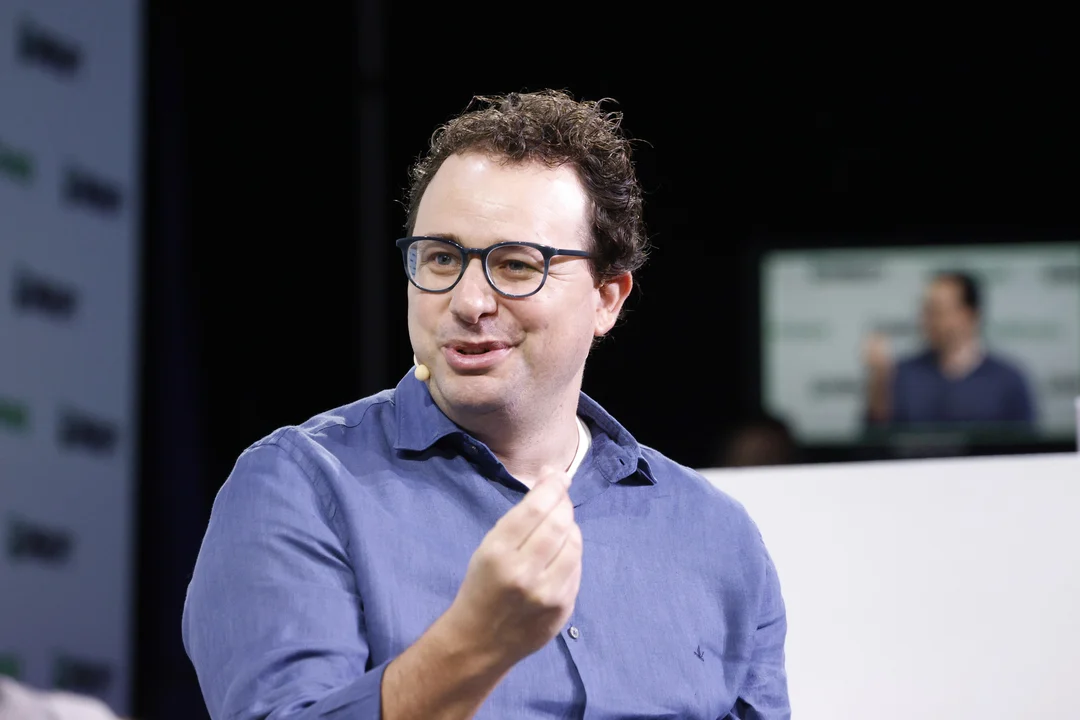
Image source: TechCrunch 쨌 CC BY 2.0 쨌 https://creativecommons.org/licenses/by/2.0 쨌 https://commons.wikimedia.org/wiki/File:Dario_Amodei_at_TechCrunch_Disrupt_2023_01.jpg

Rather than serving as simple conversational prompts, this collection is designed to mirror and assist entire practical workflows across different job functions. When introducing Large Language Models (LLMs) into daily routines, one of the biggest hurdles for professionals is knowing how to phrase effective instructions. By packaging standard operational procedures for various roles into ready-to-use templates, Anthropic lowers this barrier significantly.
Structure and Impact of Role-Specific Prompts
The eight prompts target recurring bottlenecks across diverse professional environments. Users can select the template matching their job category and supply their standard work notes or drafts to initiate automated processing.
Community feedback highlights that dividing prompts by job role provides a valuable conceptual framework. However, experienced users note that before running any prompt, taking the time to define one's actual work objectives and clean up raw input data is essential for receiving precise, actionable outputs.
Practical Automation via Claude Code
One effective way to maximize these official prompts is to paste them directly into advanced developer interfaces like 'Claude Code', a terminal-based tool that interacts with local file systems to handle coding, file organization, and document generation autonomously.
Nevertheless, practitioners emphasize that a prompt is only as good as its input. If raw materials—such as receipts, chat logs, or fragmented notes—are disorganized, the AI cannot generate reliable results. Preparing clean, structured source text beforehand remains a prerequisite for successful workflow automation.
Practical Considerations and Best Practices
When adopting these official prompts in a professional setting, certain precautions are necessary. First, users must adhere to corporate security guidelines to ensure confidential documents or personal data are not inadvertently exposed to external AI models. Second, AI-generated outputs should be treated as initial drafts or auxiliary aids, maintaining a 'human-in-the-loop' review process to prevent errors.
Anthropic's newly released prompt collection offers a practical pathway for professionals looking to escape repetitive manual tasks and boost productivity. Exploring these tools proactively can help build efficient automation pipelines before manual bottlenecks catch up.
Original source
- X (@unjeon_auto): View Post